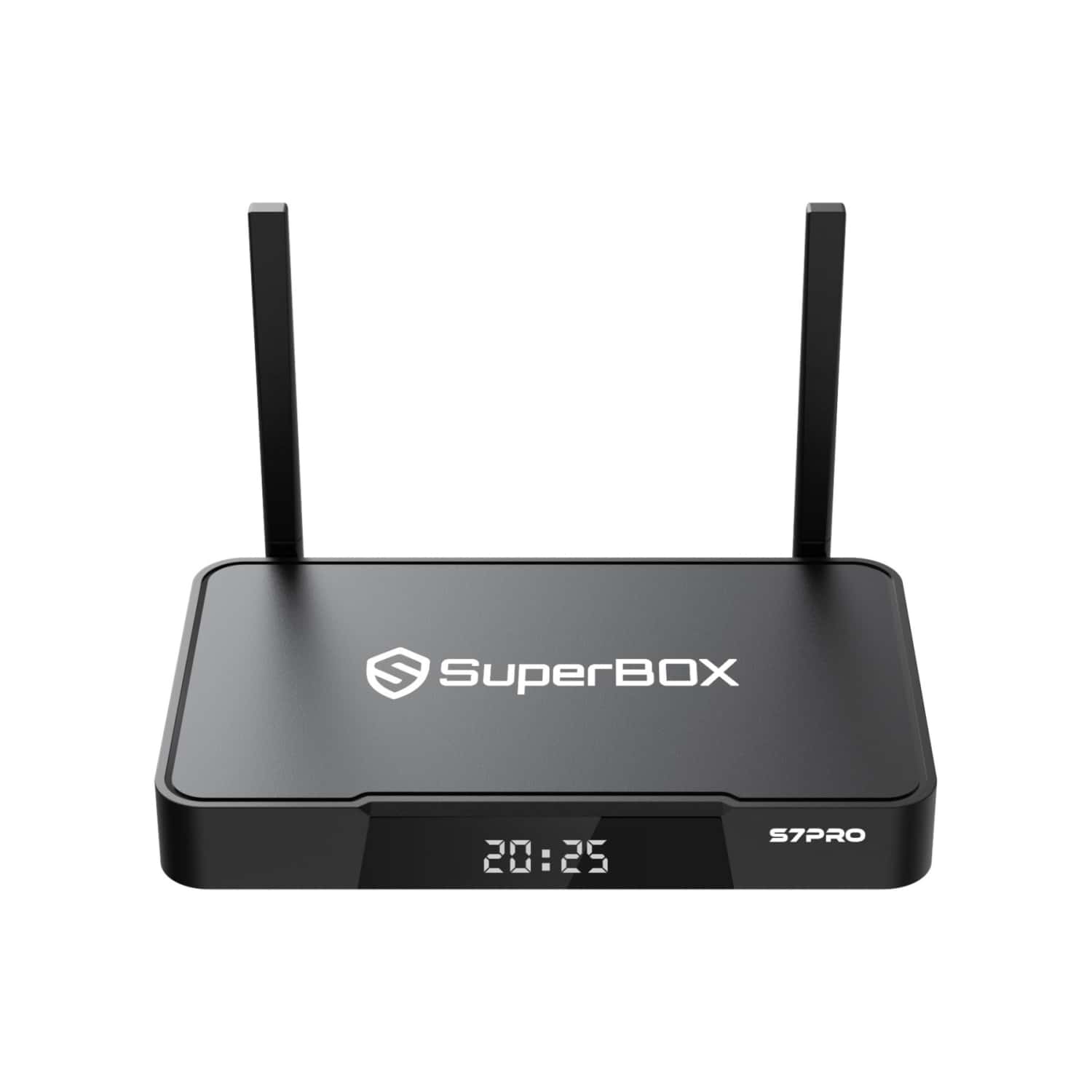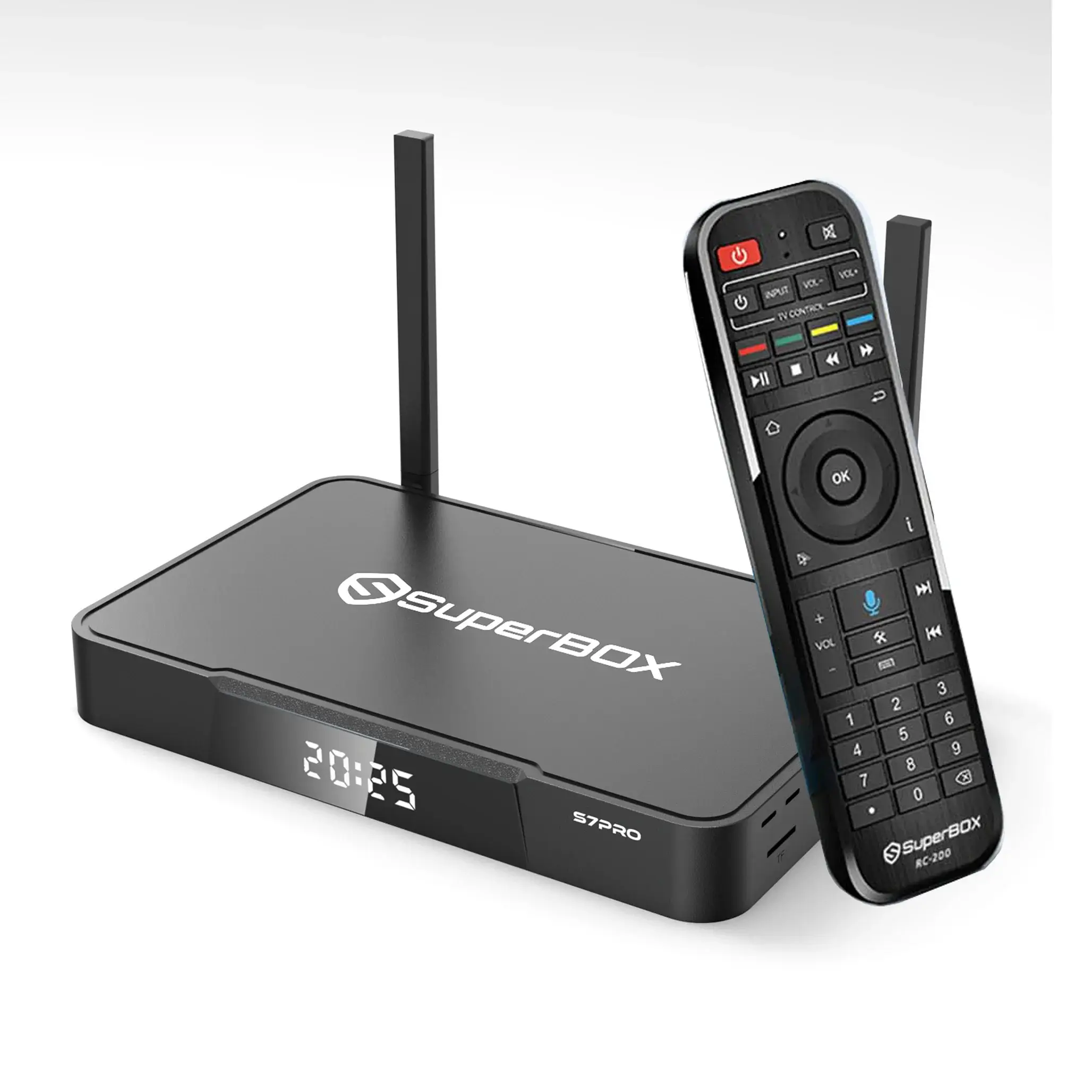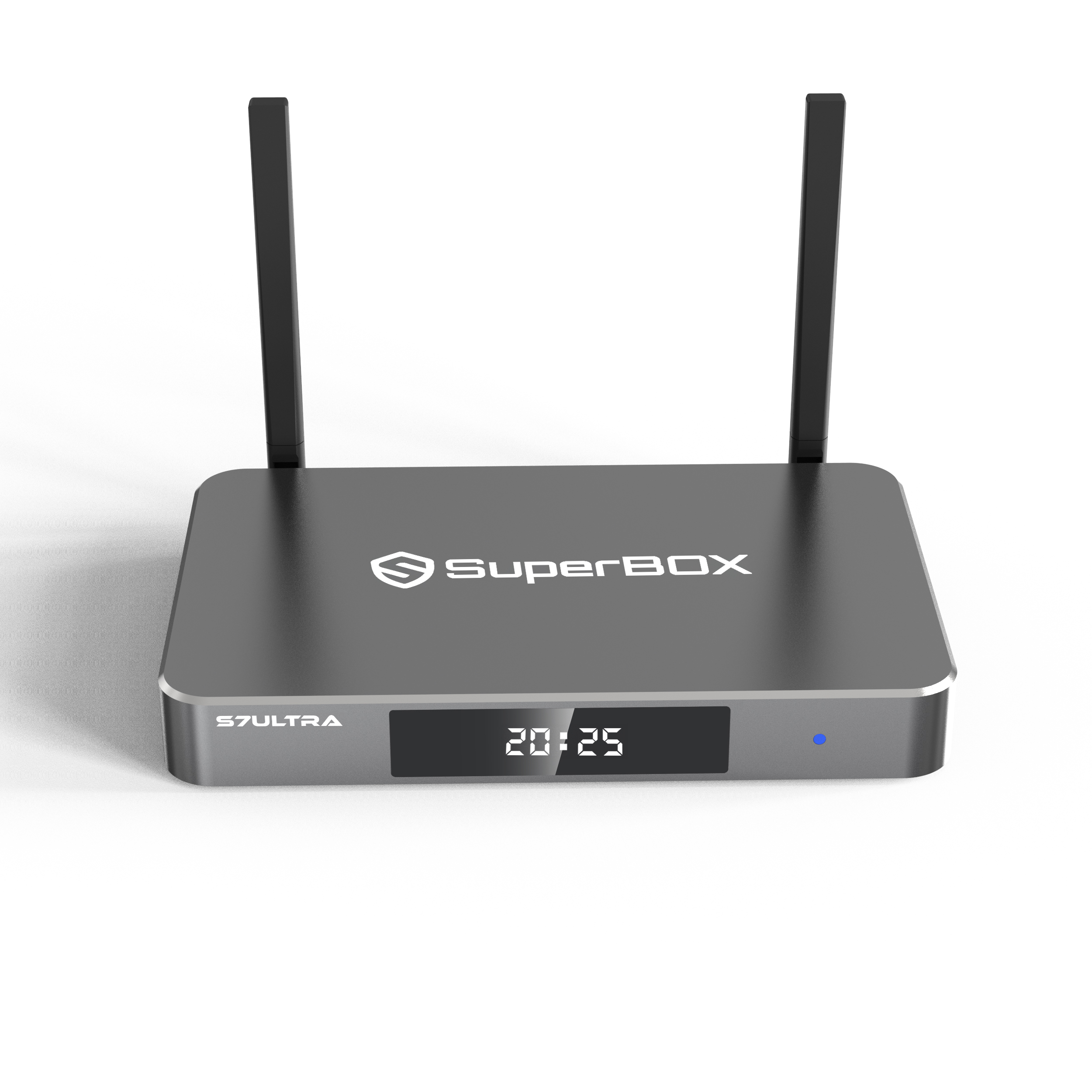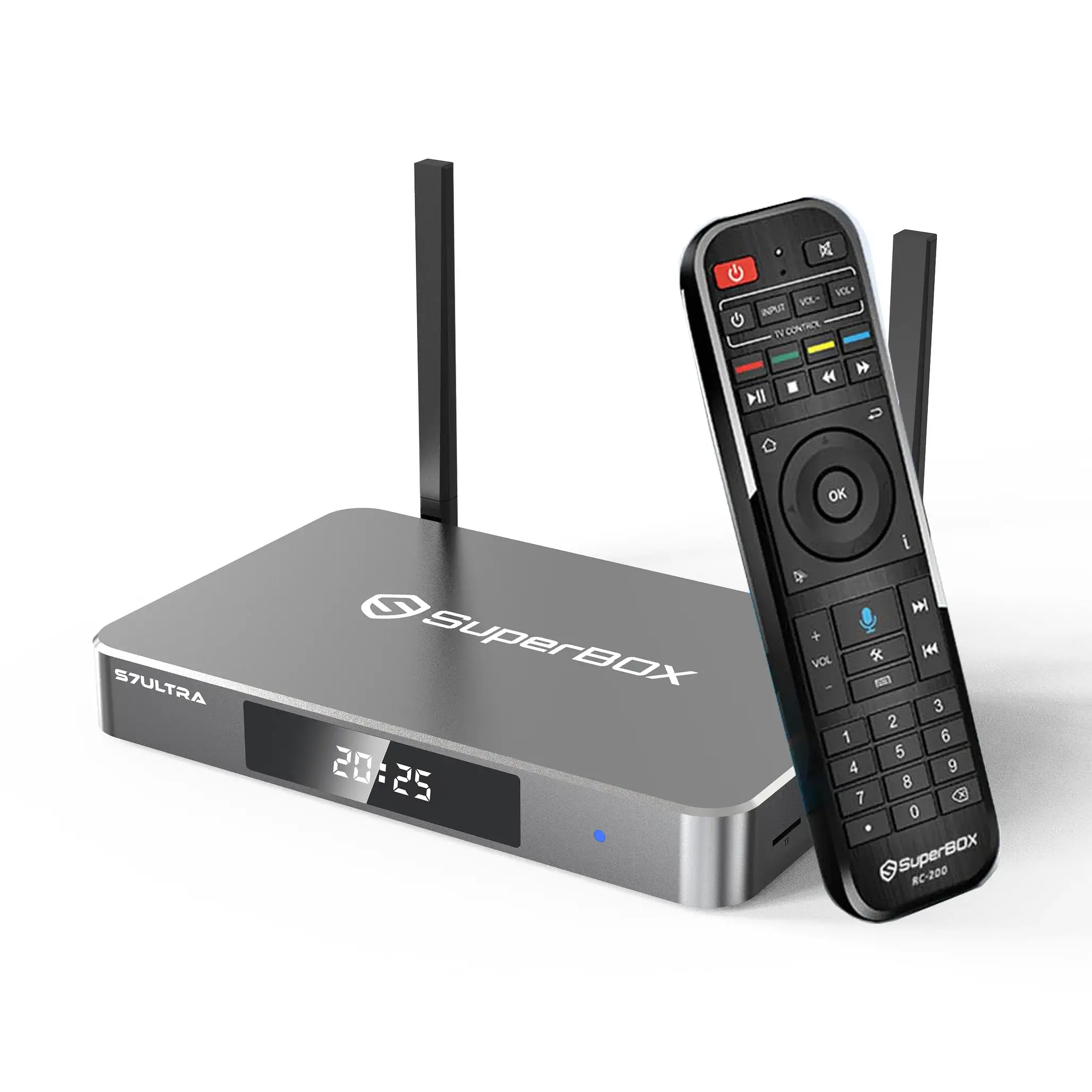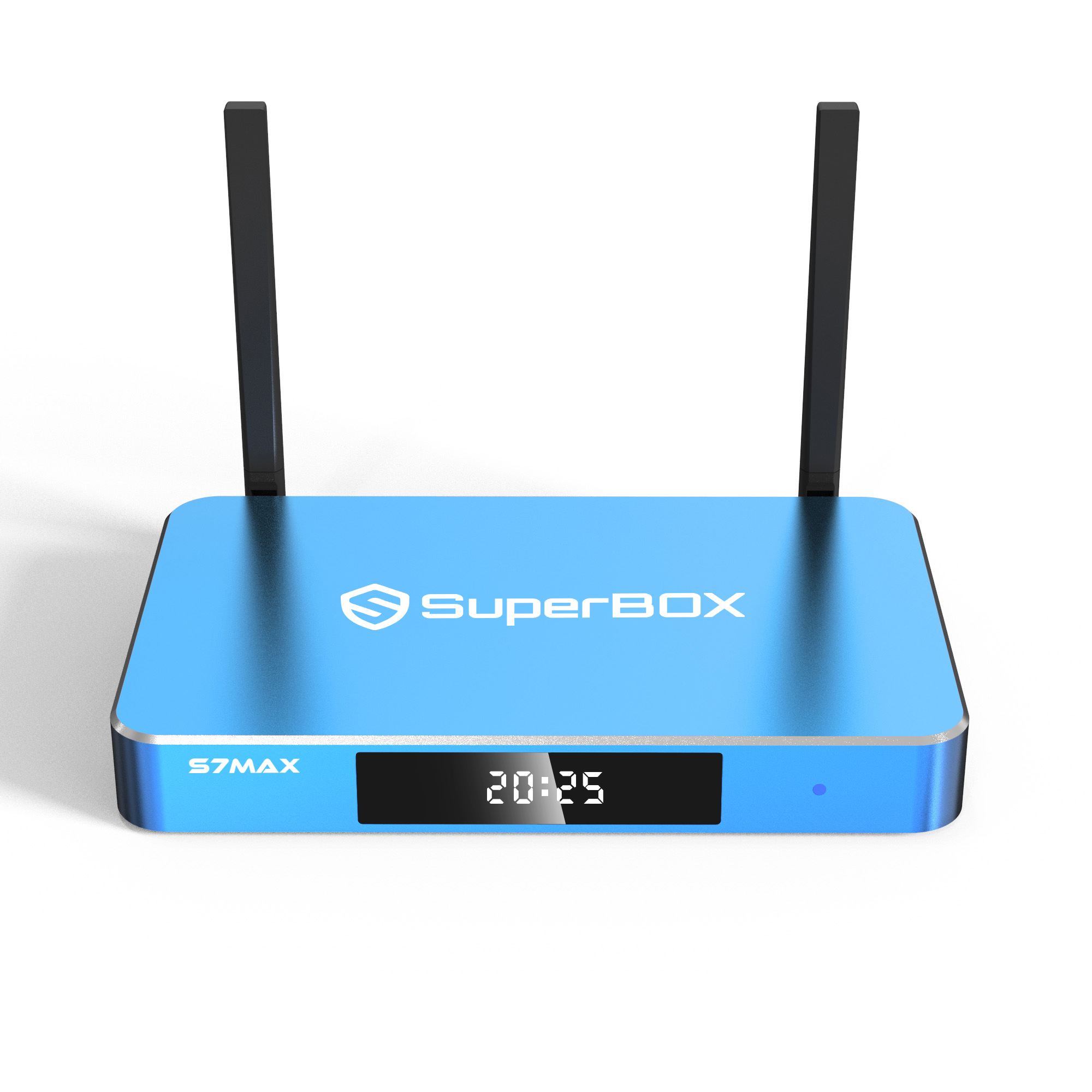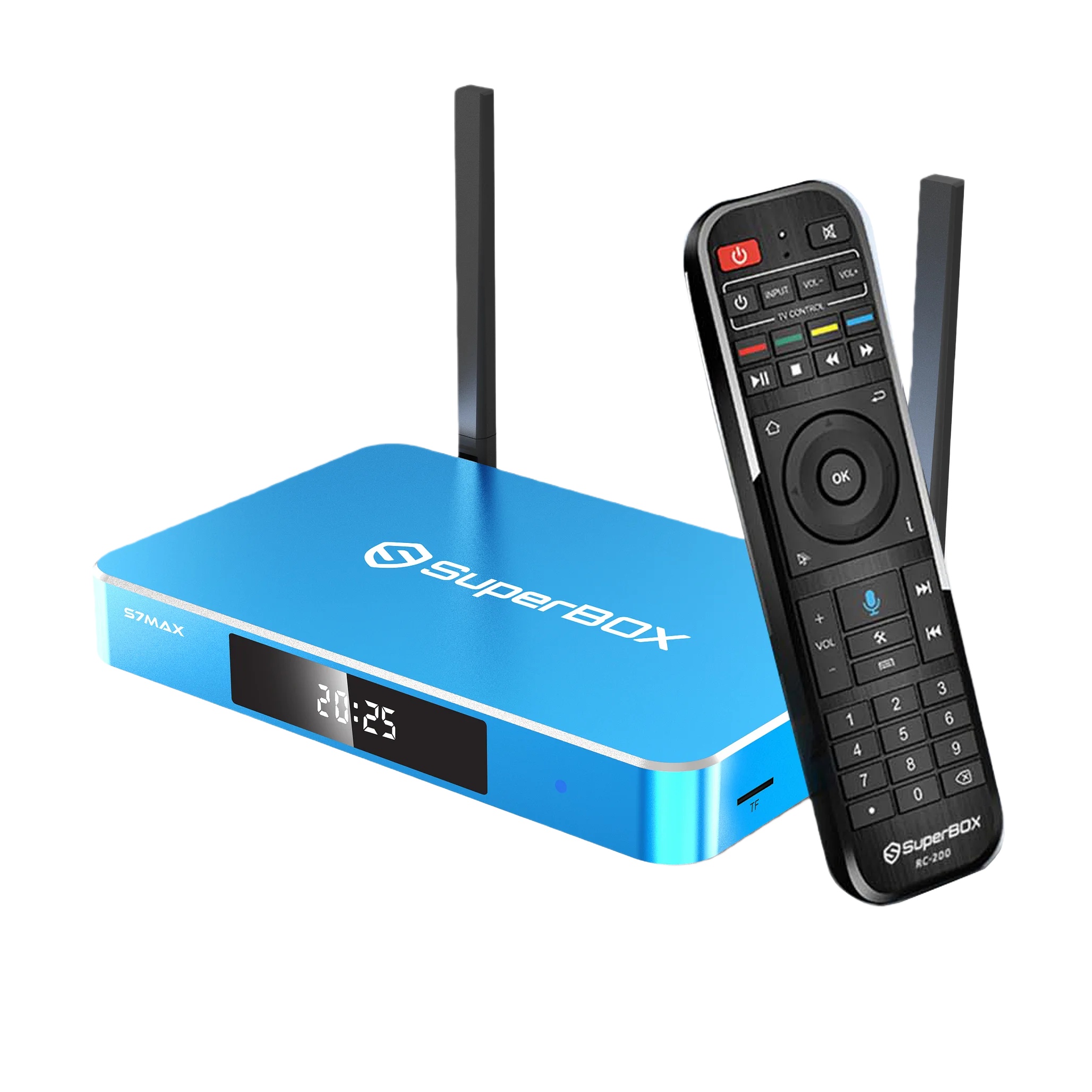
If you are a SuperBox user or considering an Android TV box for your home, one question often arises: Should I upgrade from the S6 series to the new S7 models in 2026? With a completely redesigned interface, extended Time Shift, and improved performance, the S7 lineup offers significant improvements. But is it worth your money? In this guide, we’ll compare SuperBox S7 vs S6, highlight differences between models including S6 Pro, S6 Max, S6 Ultra, and help you decide which model fits your family’s needs.
Whether you’re a first-time IPTV user, a sports fan, or upgrading from an older SuperBox, this guide will provide clear insights.
Introduction: Why Upgrading Matters
The SuperBox S6 series has been a reliable choice for IPTV and home streaming, offering solid performance and convenience. From S6 Pro to S6 Ultra, these devices deliver 6K resolution, WiFi 6 connectivity, and parental controls.
The SuperBox S7 series, launched in September 2025, takes streaming to the next level. Key upgrades include:
-
Extended Time Shift up to 7 days (vs. 8 hours on S6)
-
Redesigned, modern user interface
-
Expanded storage and improved hardware connectivity
-
Type-C power port and USB 3.0 + USB-C
-
Enhanced performance for apps and streaming
This guide will help you decide if upgrading from S6 Pro / Max / Ultra to S7 Pro / Max / Ultra is worth it.
1. Hardware Comparison: S7 vs S6
| Feature | S6 Pro | S6 Max | S6 Ultra | S7 Pro | S7 Max | S7 Ultra |
|---|---|---|---|---|---|---|
| RAM | 4GB DDR | 4GB DDR | 4GB DDR | 4GB DDR3 | 4GB DDR3 | 4GB DDR3 |
| Storage | 32GB | 64GB | 128GB | 32GB | 64GB | 128GB |
| Processor | Quad-core ARM Cortex-A53 | Quad-core ARM Cortex-A53 | Quad-core ARM Cortex-A53 | Quad-core ARM Cortex-A53 | Quad-core ARM Cortex-A53 | Quad-core ARM Cortex-A53 |
| GPU | Mali-G31 MP2 | Mali-G31 MP2 | Mali-G31 MP2 | Mali-G31 MP2 | Mali-G31 MP2 | Mali-G31 MP2 |
| Video Support | 6K@60fps | 6K@60fps | 6K@60fps | 6K@60fps | 6K@60fps | 6K@60fps |
| Time Shift | 8 hours | 8 hours | 8 hours | 7 days | 7 days | 7 days |
| USB / Power | Standard USB + DC 5V/2A | Standard USB + DC 5V/2A | Standard USB + DC 5V/2A | USB 3.0 + USB-C / Type-C | USB 3.0 + USB-C / Type-C | USB 3.0 + USB-C / Type-C |
| WiFi | Dual-band 2.4G/5G + WiFi 6 | Dual-band 2.4G/5G + WiFi 6 | Dual-band 2.4G/5G + WiFi 6 | Dual-band 2.4G/5G + WiFi 6 | Dual-band 2.4G/5G + WiFi 6 | Dual-band 2.4G/5G + WiFi 6 |
| Bluetooth | 5.2 | 5.2 | 5.2 | 5.2 | 5.2 | 5.2 |
| Android Version | 12.0 | 12.0 | 12.0 | 12.0 | 12.0 | 14.0 (Ultra) |
| Design / Material | Plastic/metal | Metal | Metal | Metal | Metal | Premium metal, backlit remote |
Takeaways:
-
S6 Max fills the mid-range gap between S6 Pro (budget) and S6 Ultra (premium). It offers 64GB storage, ideal for families who need more space without paying for Ultra.
-
S7 Max is the modern equivalent, delivering larger storage, extended 7-day Time Shift, and Type-C / USB 3.0 connectivity.
-
Both series support 6K@60fps and WiFi 6, but S7 is faster, smoother, and more user-friendly due to the new interface.
2. Time Shift: Rewind, Pause, and Replay
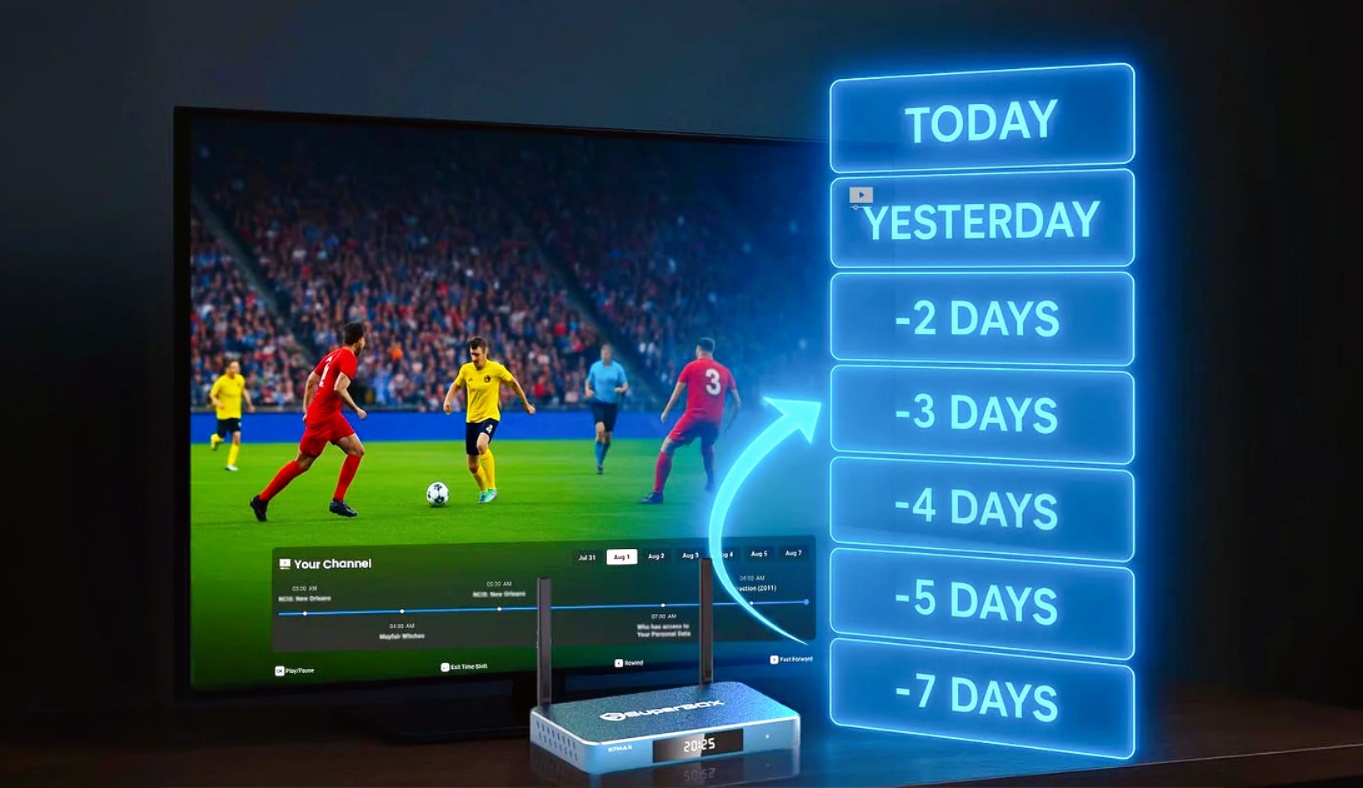
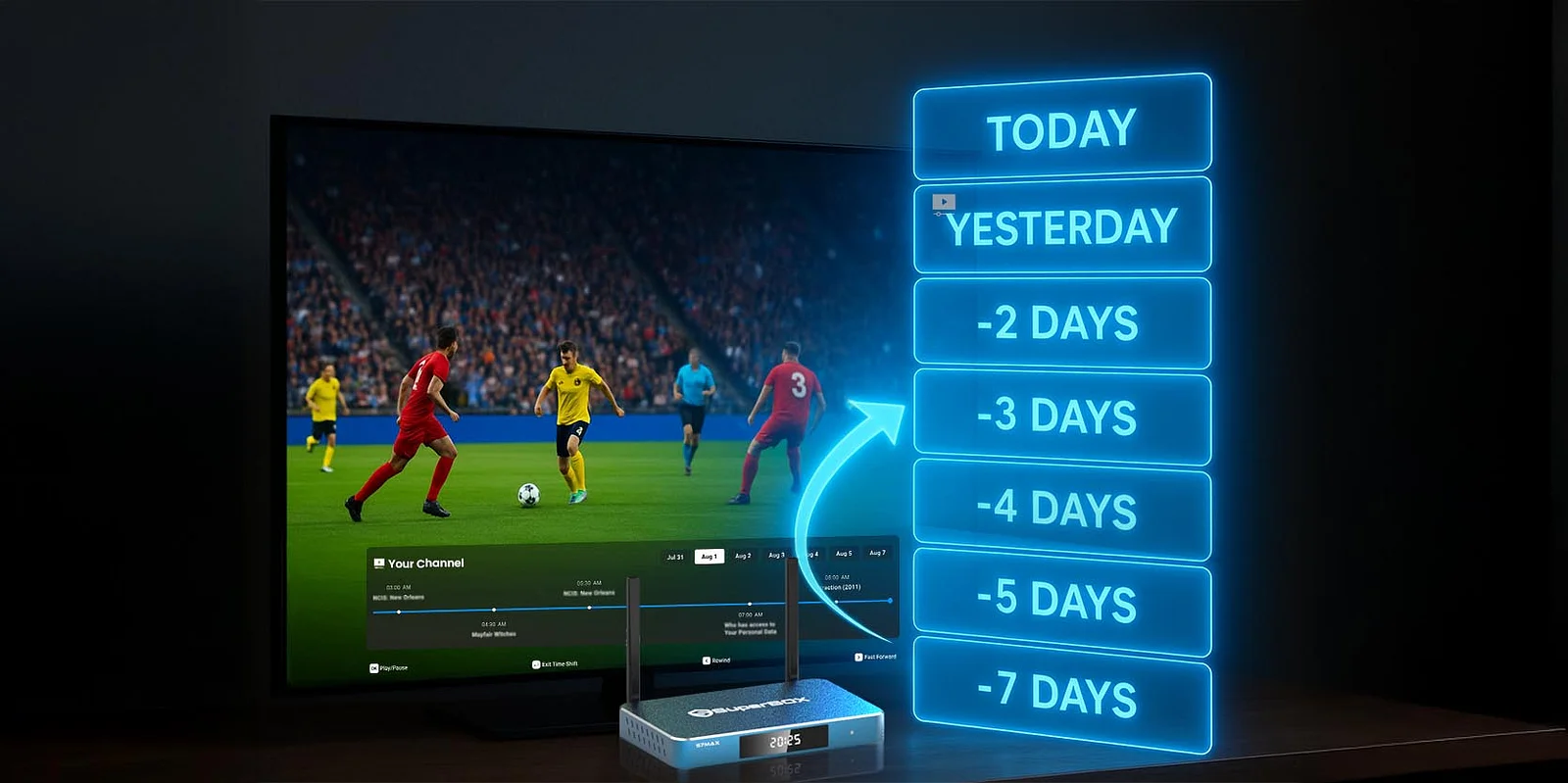
The most notable upgrade from S6 to S7 is Time Shift:
-
S6 Pro / Max / Ultra: Up to 8 hours
-
S7 Pro / Max / Ultra: Up to 7 days
Why this matters:
-
Busy families can watch shows on their schedule
-
Sports fans can replay game highlights anytime
-
News or entertainment content missed during the week is still accessible
With larger storage in S7 Max / Ultra, this feature becomes even more convenient, storing more shows without slowing down the system.
3. User Interface: Modern & Family-Friendly
The S7 lineup introduces a fully redesigned interface:
-
Gray-and-black sleek theme
-
Sharper text, clear icons
-
Faster navigation, smooth transitions
-
Smart filters by genre, year, rating, and studio
For families and seniors:
-
Channels, movies, and shows are easy to find
-
Favorites, History, and Resume Play make usage personal and simple
-
Overall more enjoyable daily experience than the S6 series
4. Storage & Performance Improvements
-
SuperBox S6 Pro: 32GB
-
SuperBox S6 Max: 64GB
-
SuperBox S6 Ultra: 128GB
-
SuperBox S7 Pro: 32GB
-
SuperBox S7 Max: 64GB
-
SuperBox S7 Ultra: 128GB
Key benefits of S7 Max storage:
-
Install more apps without worrying about space
-
Extended Time Shift storage for multiple shows
-
Faster overall responsiveness compared to S6 series
The hardware remains quad-core ARM Cortex-A53 with Mali-G31 MP2 GPU, but USB 3.0 + USB-C ports in S7 improve data transfer and accessory compatibility.
5. Streaming Quality & 6K Ultra HD Support
All SuperBox S6 and SuperBox S7 devices support 6K@60fps and WiFi 6.
S7 series advantages:
-
Faster app launches and channel loading
-
Smooth Time Shift operation
-
Optimized performance for multiple users streaming simultaneously
Whether it’s sports, movies, or TV series, S7 Max ensures stable, high-quality streaming across devices.
6. Design & Connectivity
SuperBox S6 Series:
-
S6 Pro: Standard plastic design
-
S6 Max / Ultra: Metal housing, ventilation
-
Standard USB & power connectors
SuperBox S7 Series:
-
Sleek metal housing with side ventilation
-
Type-C power port for universal use
-
USB 3.0 + USB-C
-
Compact and durable design
The S7 series is not just functional; it integrates seamlessly into modern living spaces.
7. Parental Control & Family Safety
Both S6 and S7 offer parental controls, but S7 upgrades make it simpler:
-
Lock specific channels with a password
-
Restrict content access for children
-
Easy setup with fewer steps
Ideal for families, seniors, and kids, ensuring safe and controlled entertainment.
8. SuperBox S7 vs SuperBox S6: Upgrade Value
Upgrading from S6 to S7 is worth it if you value:
-
8-hour Time Shift → 7 days
-
Old interface → Modern, responsive UI
-
Limited storage → Larger storage (S7 Max: 64GB)
-
Standard ports → Type-C and USB 3.0
-
Enhanced performance and smoother operation
For most U.S. families, S7 Max offers the perfect combination of performance, features, and value.
9. Is SuperBox Legal in the United States?
Many users ask: “Is SuperBox legal?”
-
SuperBox is fully legal as Android TV hardware
-
Devices come without pre-installed illegal content
-
Users choose which apps or services to install
-
Purchasing from authorized stores like SuperBox.center ensures genuine devices and official firmware
Key point: SuperBox itself is legal; content legality depends on user choices.
Frequently Asked Questions (FAQ)
1. What are the main differences between SuperBox S6 and S7?
S7 adds 7-day Time Shift, redesigned UI, improved storage options, Type-C & USB 3.0, and optimized performance.
2. Which SuperBox model is best for families?
S7 Max is the best choice for most families, balancing storage, price, and features.
3. Is SuperBox legal in the U.S.?
Yes, it is fully legal as Android TV hardware. Users choose content themselves.
4. How long can I rewind live TV with S7 Max?
Up to 7 days, compared to 8 hours on S6 models.
5. Can seniors or kids navigate S7 Max easily?
Yes, the interface is intuitive with clear menus, filters, and favorites/history functions.
6. Does SuperBox require a subscription?
The device itself does not. Optional third-party services may have separate fees.
(Click for more FAQs)
Conclusion: Should You Upgrade from S6 to S7 Max?
For current S6 users, upgrading to S7 Max offers tangible benefits:
-
7-day Time Shift for flexible viewing
-
Modern UI & smoother operation
-
Expanded storage for apps and replays
-
Improved connectivity (Type-C, USB 3.0)
-
Family-friendly design with parental controls
For most U.S. households, S7 Max is the sweet spot between value and features. Purchase from an authorized store like SuperBox.center to ensure authenticity, support, and long-term reliability.
Upgrade your home entertainment today — S7 Max brings your TV to the future.