


Mini Wireless Keyboard
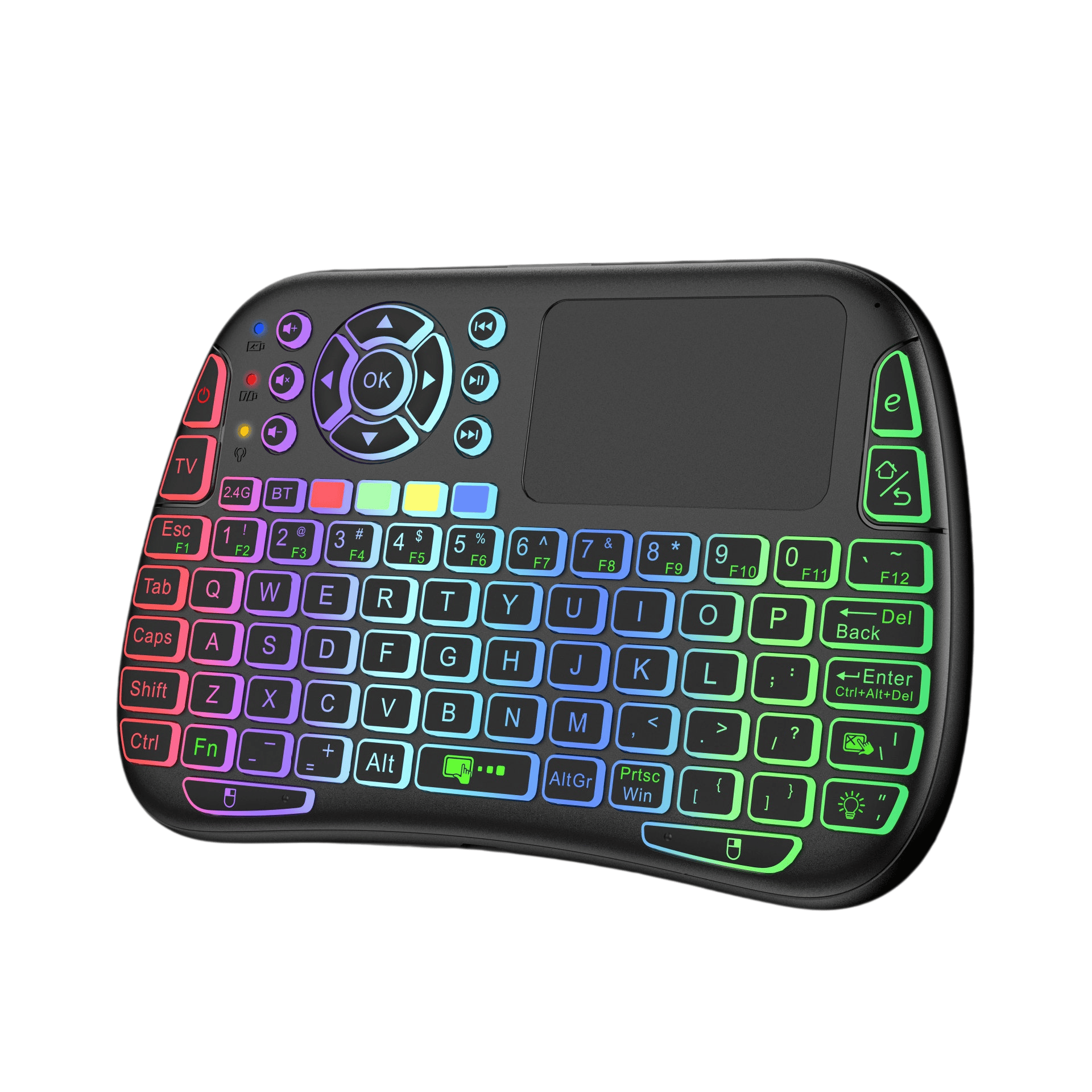
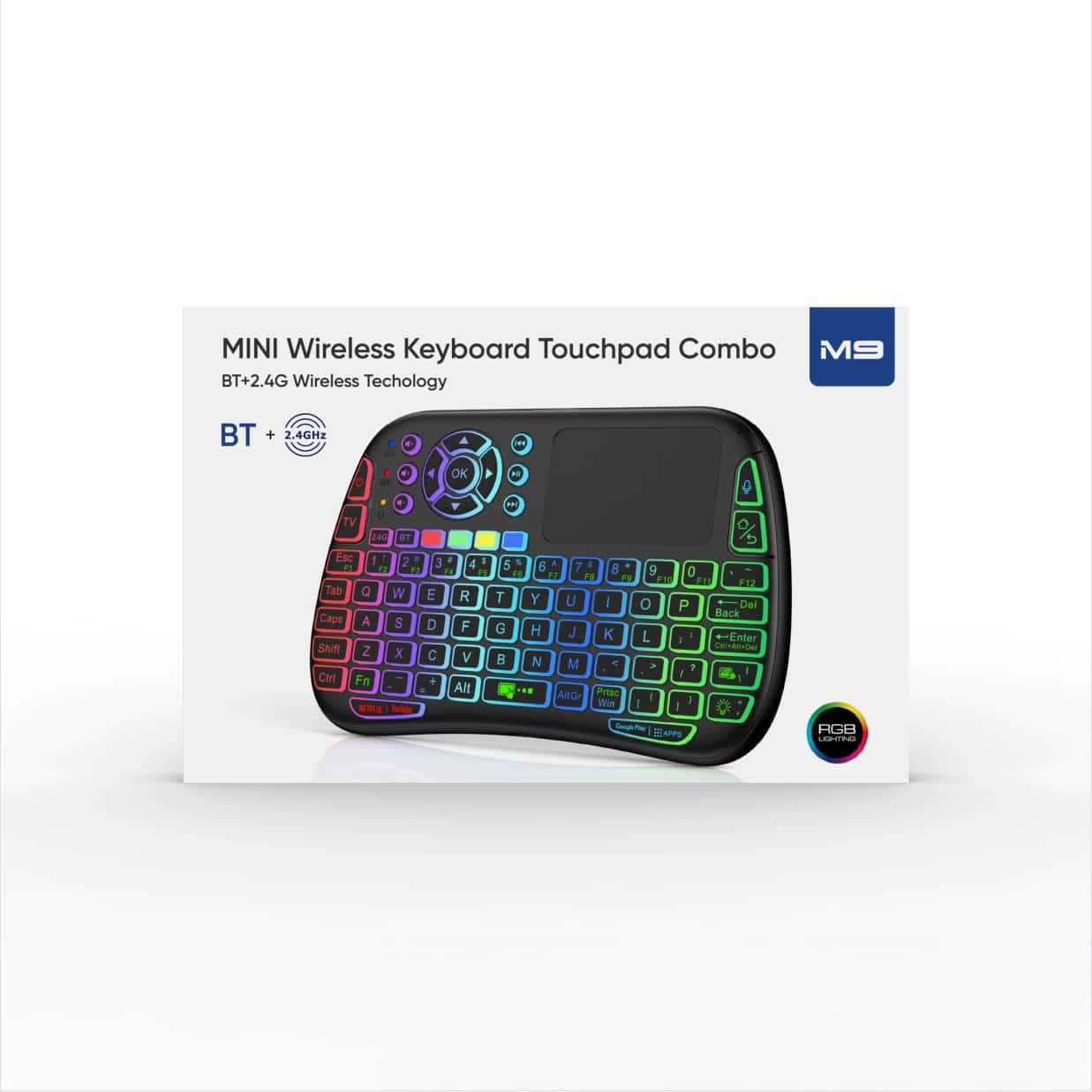
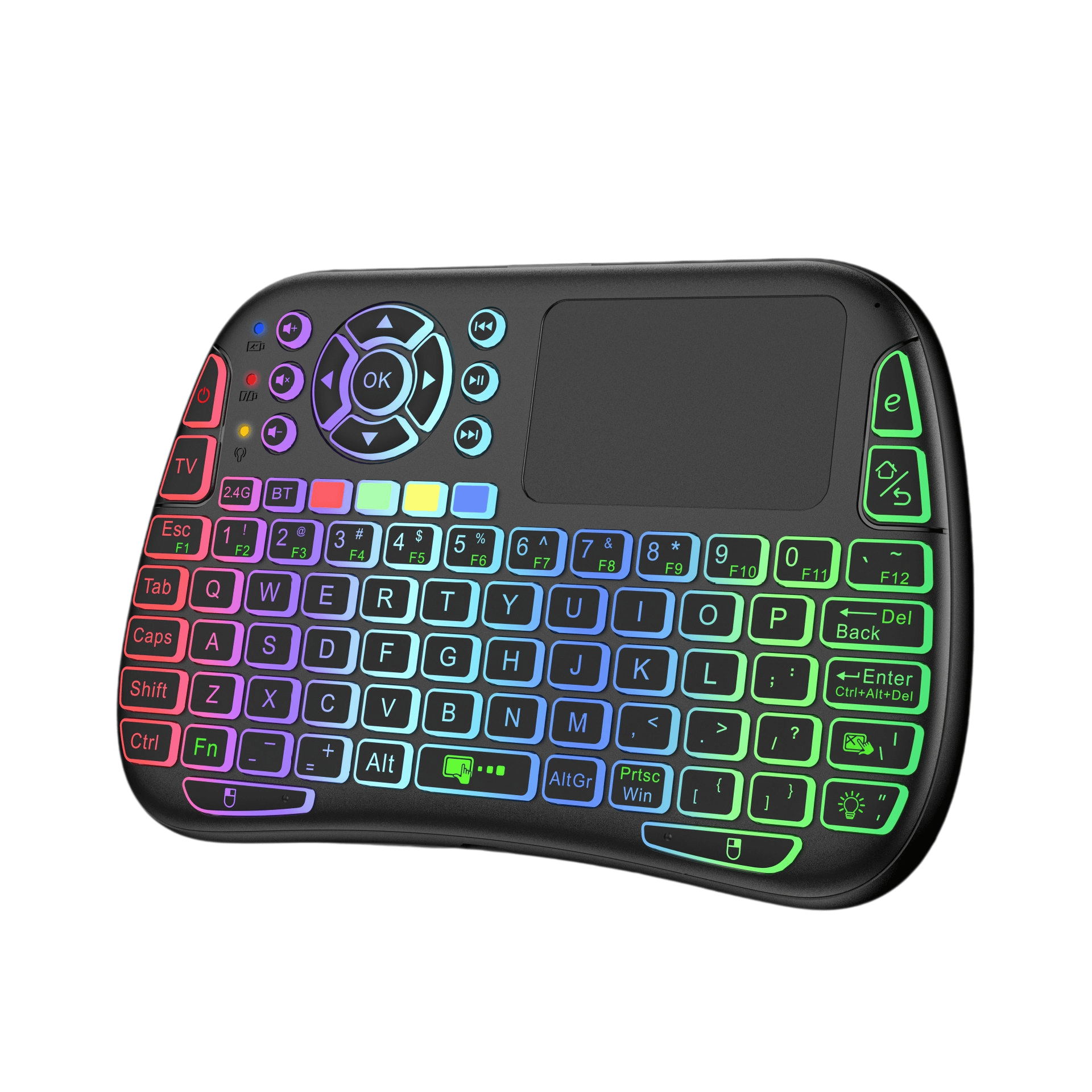
Control your SuperBox and other compatible devices more easily with the M9 Mini Wireless Keyboard. It combines a compact QWERTY keyboard, touchpad, mouse controls, voice input, backlighting, and remote-control functions in one handheld device.
Key Features & Benefits
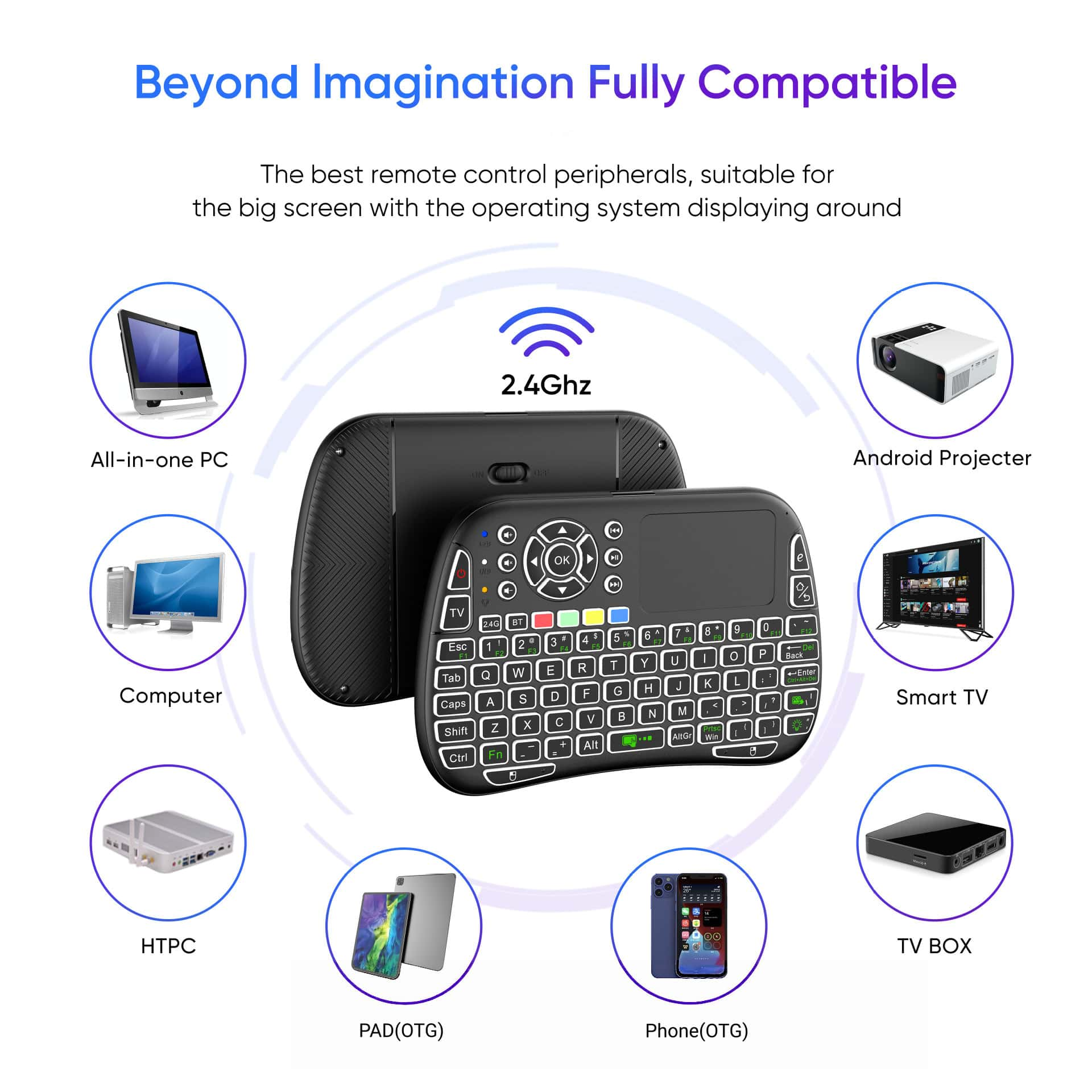
2.4GHz & Bluetooth Wireless Connection
Connect through the included 2.4GHz USB receiver or Bluetooth. Easily switch between connection modes to work with different compatible devices.
Full QWERTY Mini Keyboard
Type searches, passwords, messages, and web addresses faster than using a standard directional remote.
Built-In Touchpad
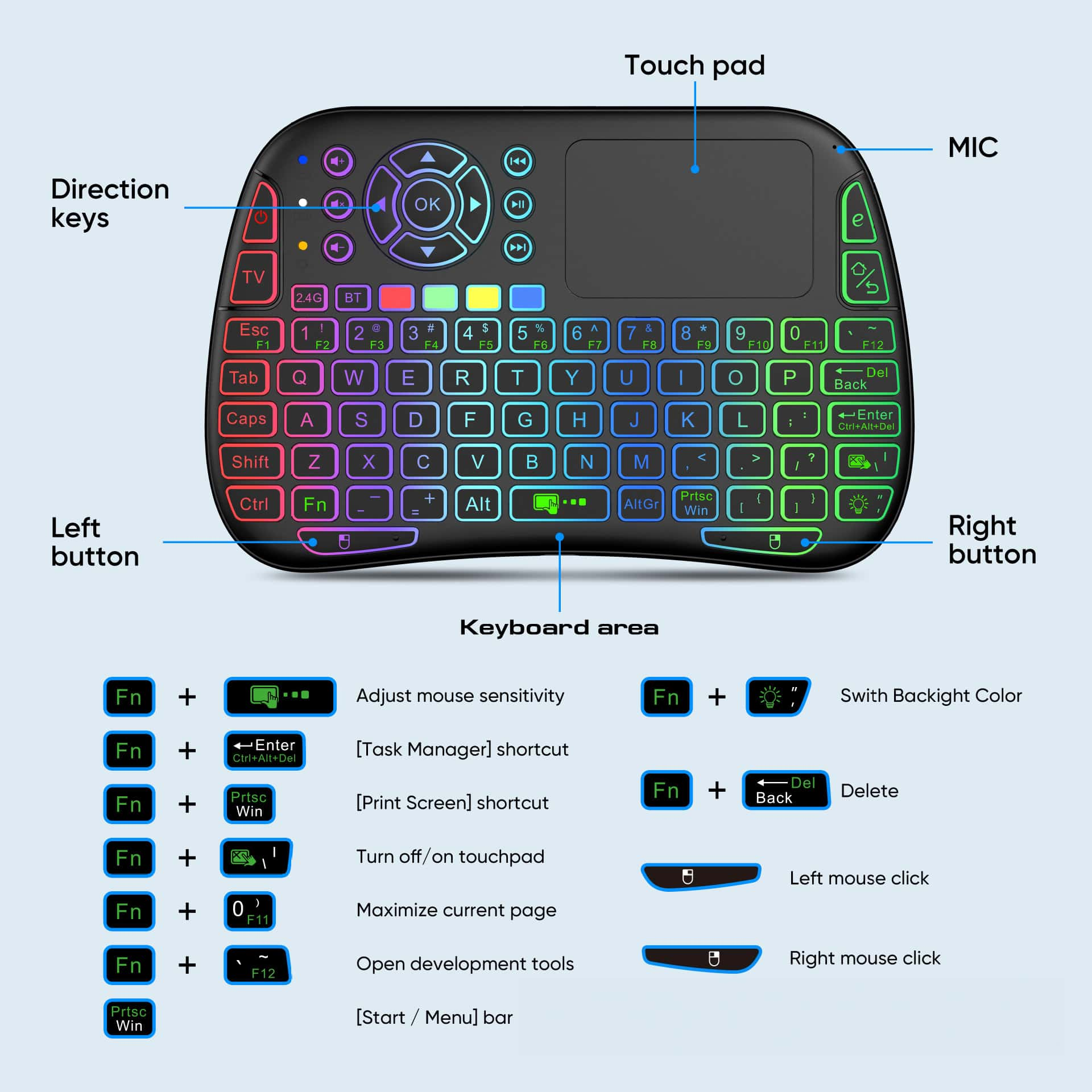
Move the on-screen cursor directly from the keyboard. Dedicated left and right mouse buttons provide familiar and convenient control.
Adjustable Touchpad Sensitivity
Change the cursor sensitivity using the keyboard shortcut to better match different screen sizes and control preferences.
Colorful Backlit Keys
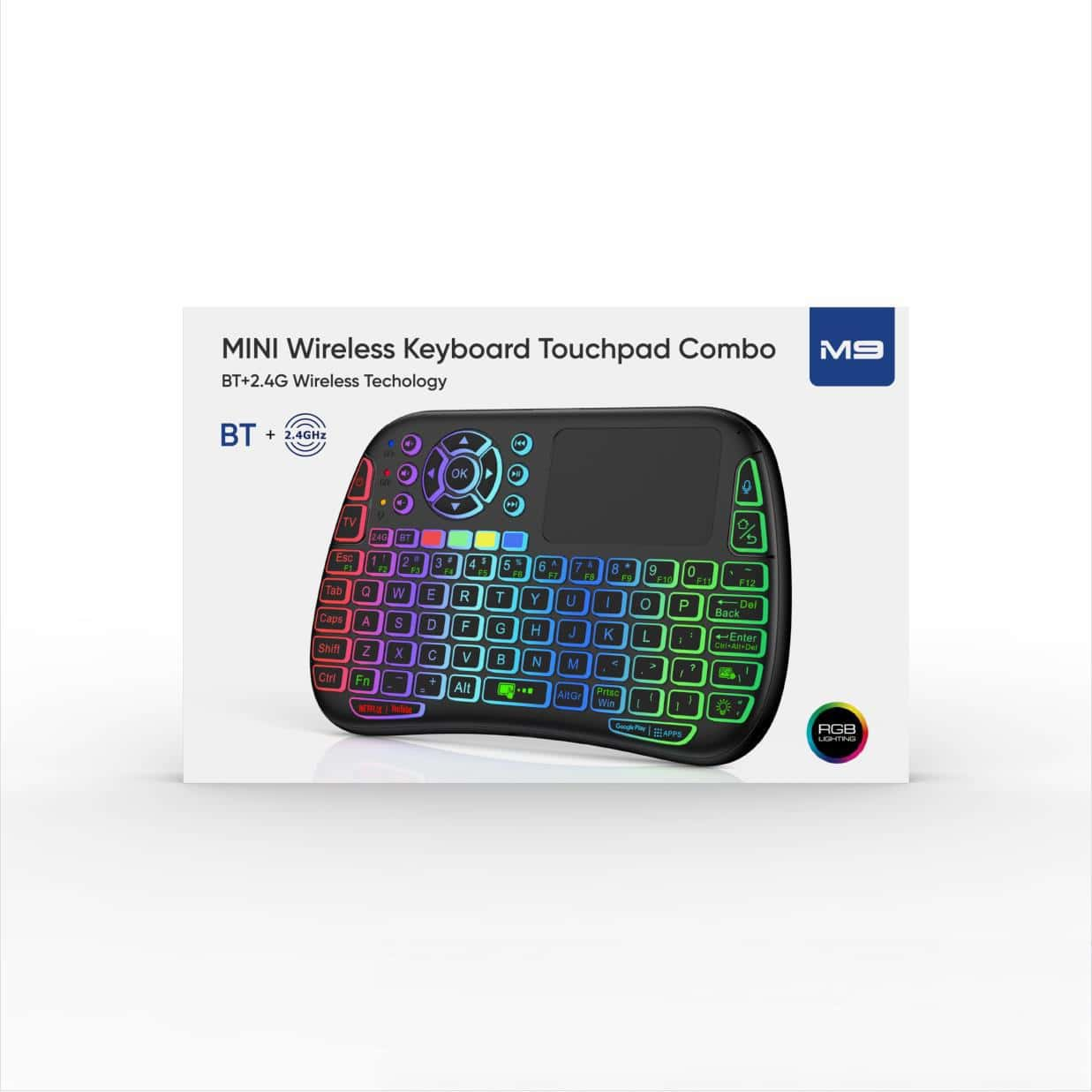
Illuminated keys make the keyboard easier to see in dark rooms. Use the function shortcut to switch the backlight color.
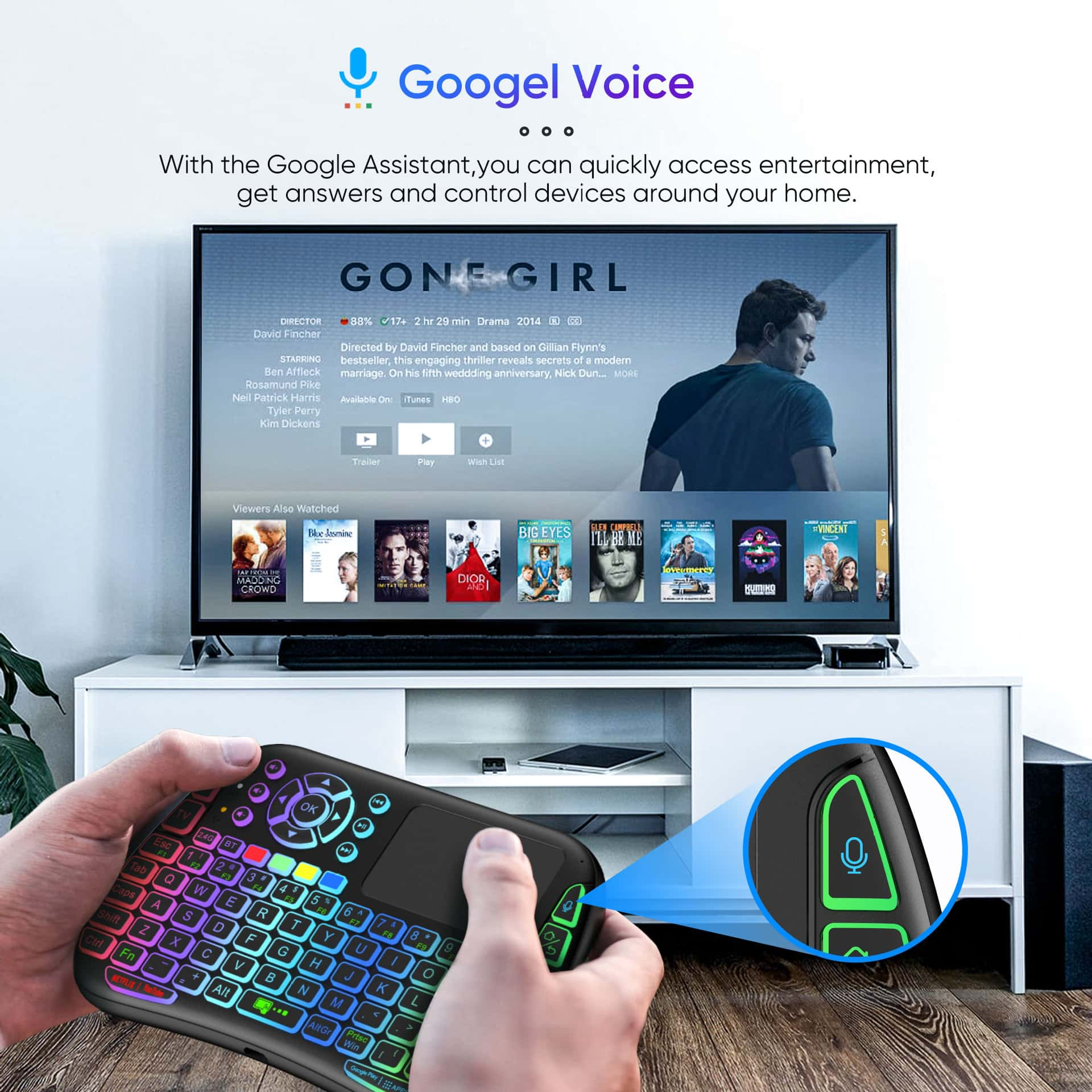
Built-In Microphone
Use the voice button for supported voice search and voice-input functions without typing every command manually.
Voice functionality depends on the connected device, operating system, and supported application.
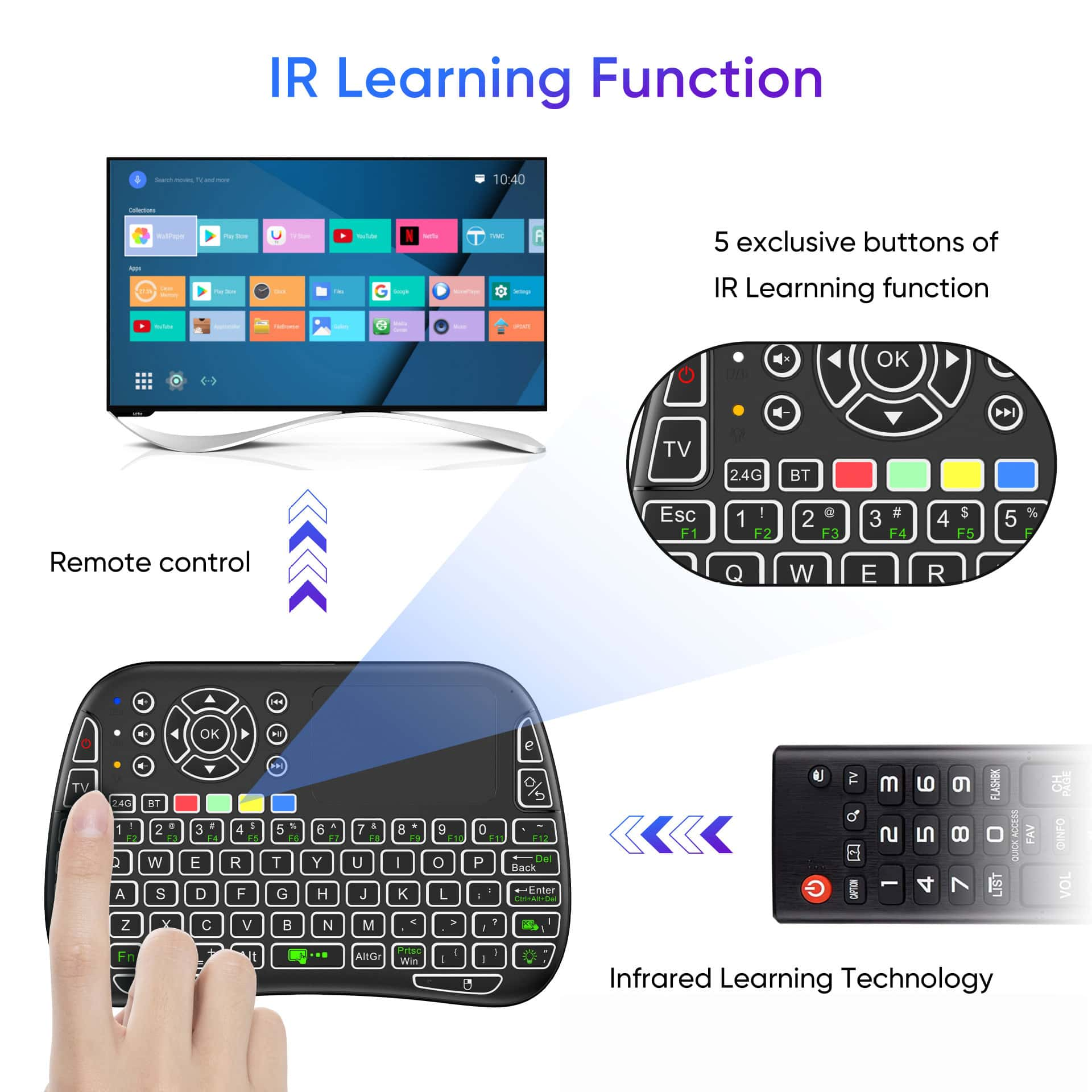
5-Button IR Learning Function
Program five supported buttons by copying basic commands from a compatible infrared remote, helping reduce the need to switch between multiple remotes.
Navigation & Media Controls
Dedicated directional, volume, playback, home, return, and other shortcut buttons provide quick access to frequently used controls.
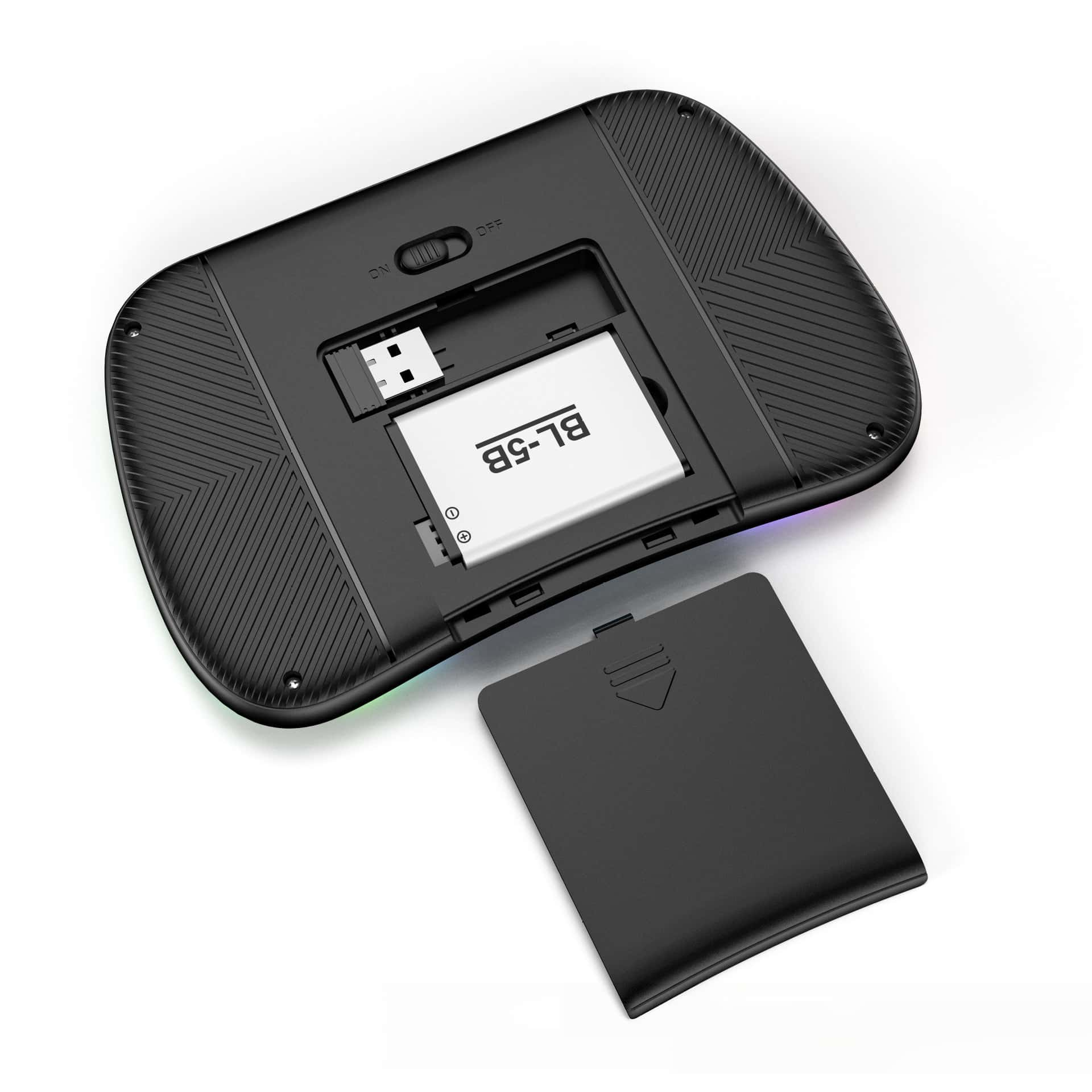
Rechargeable and Replaceable Battery
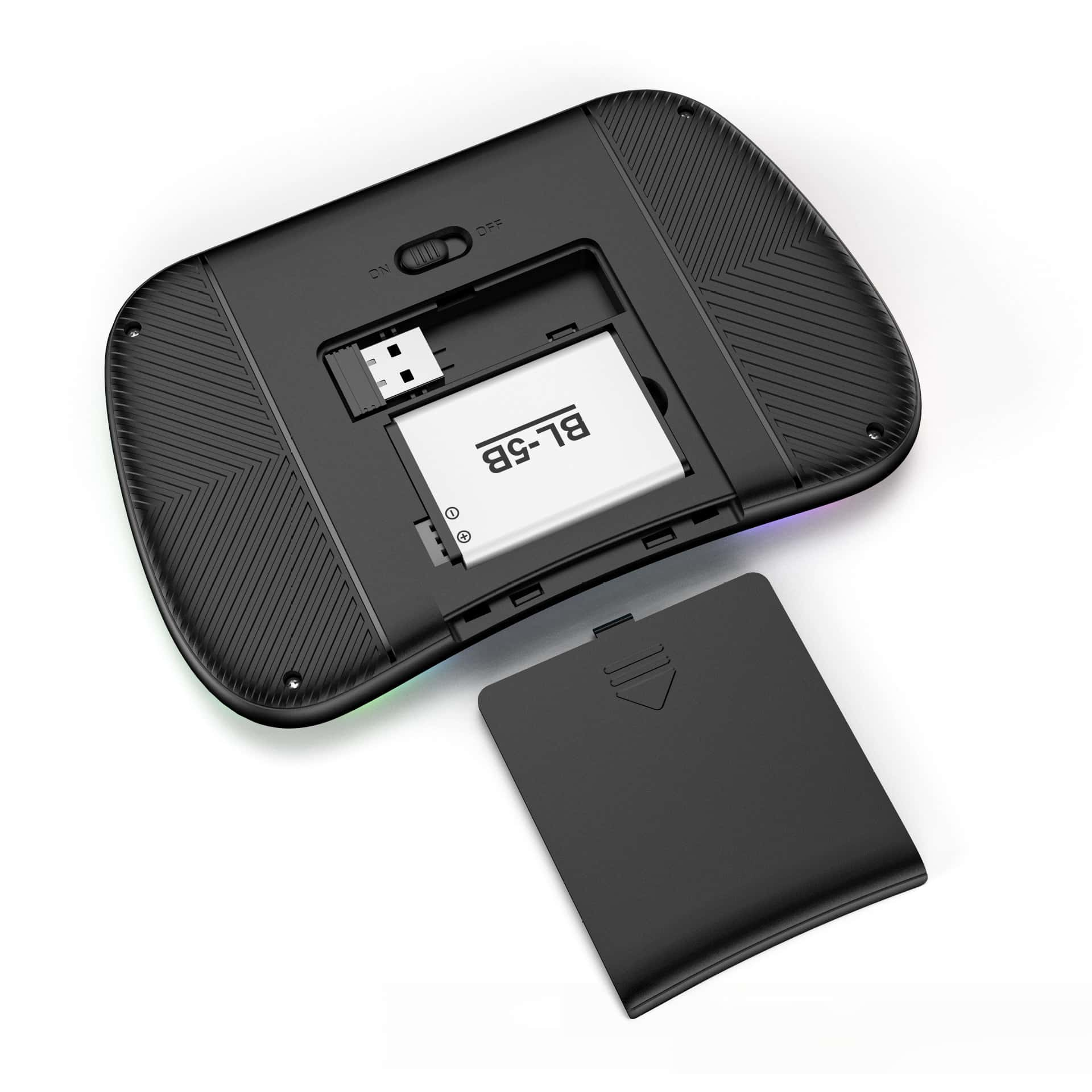
Powered by a removable BL-5B rechargeable battery. The USB receiver can be stored inside the rear battery compartment when not in use.
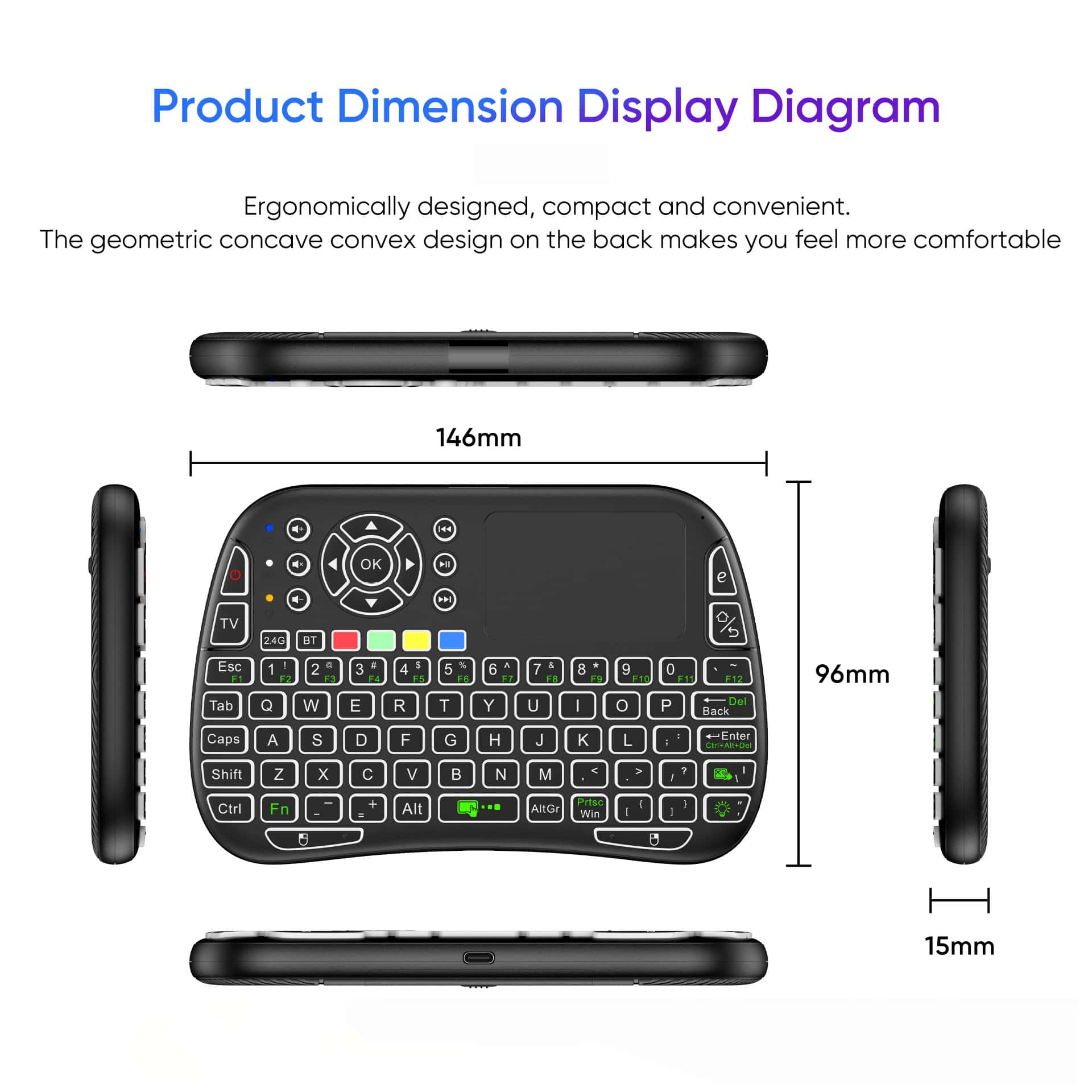
Compact Ergonomic Design
The curved handheld shape is comfortable to hold and compact enough to store beside your TV or carry while traveling.
Compatible Devices
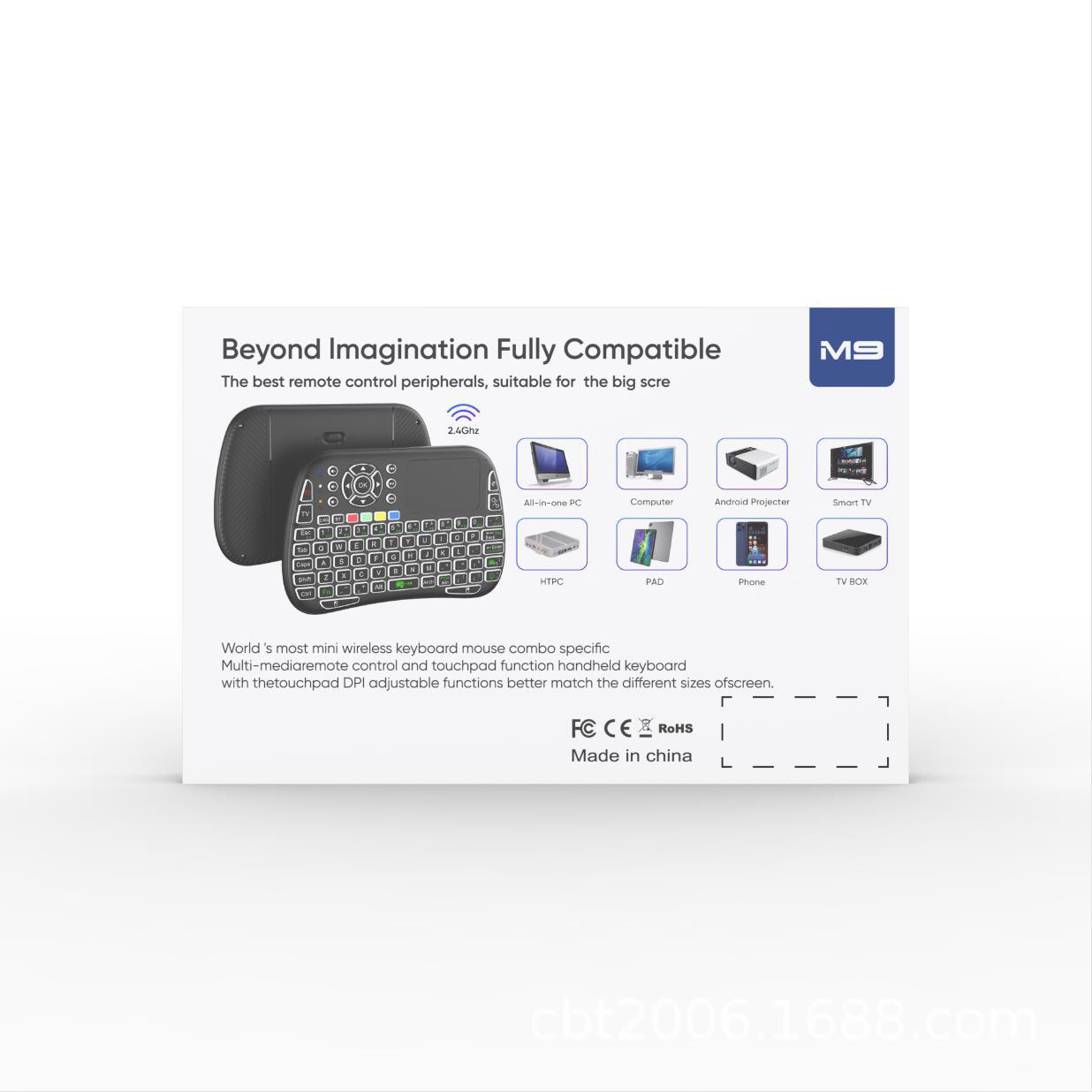
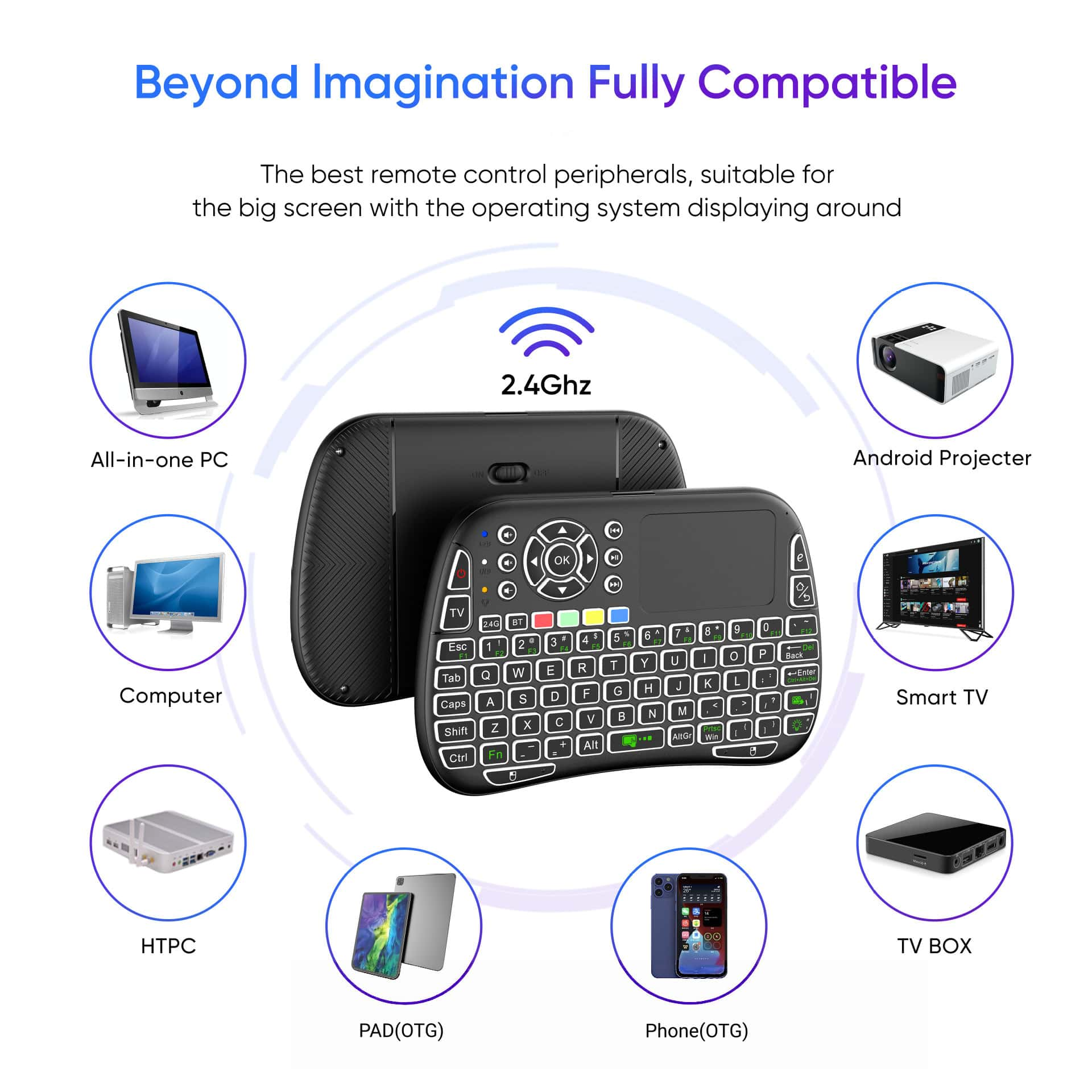
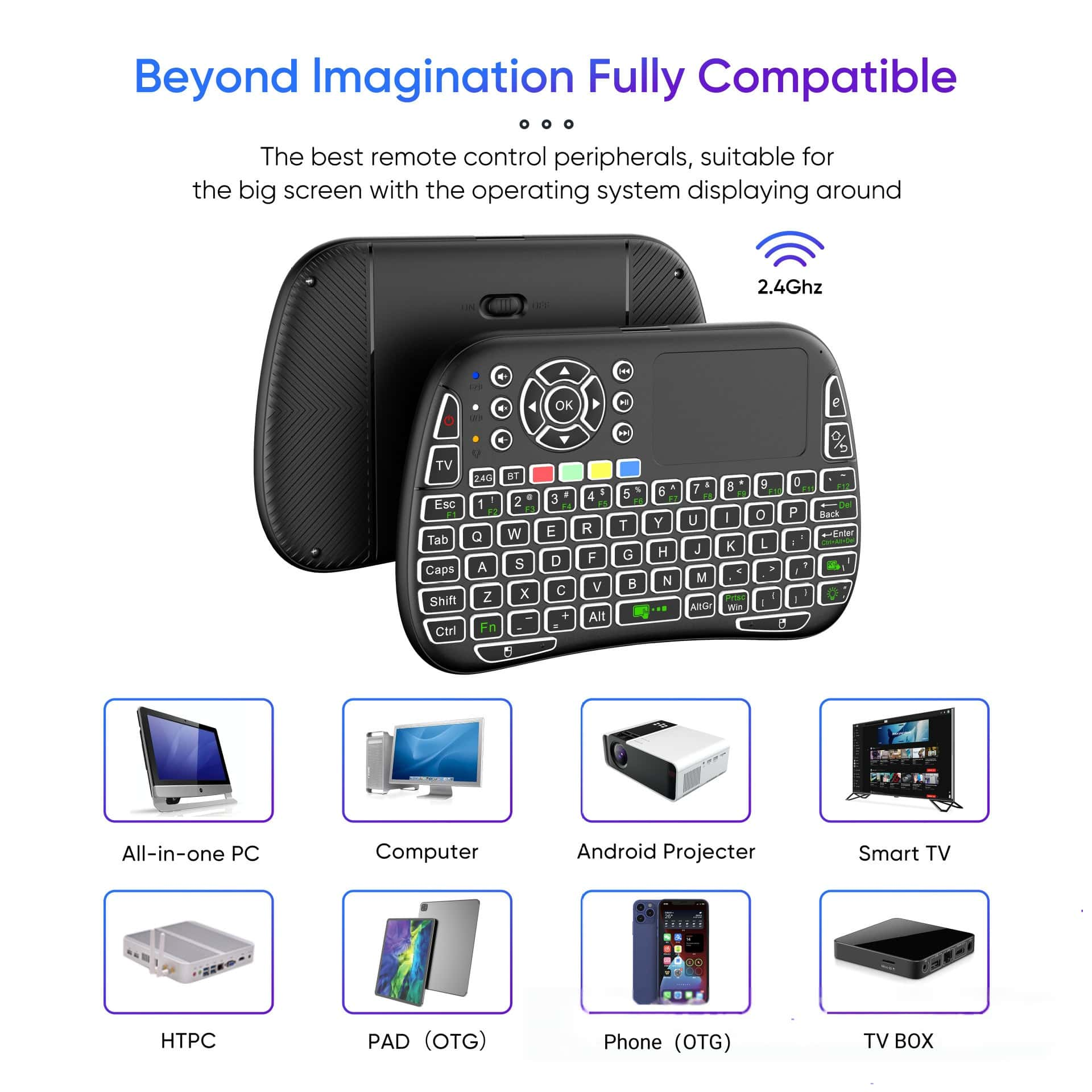
Designed for use with many compatible devices, including:
- SuperBox and other TV boxes
- Smart TVs
- Android projectors
- Desktop and all-in-one computers
- HTPC systems
- Tablets and smartphones with compatible OTG support
Compatibility, voice functions, infrared learning, and shortcut-key behavior may vary by device, operating system, and application.
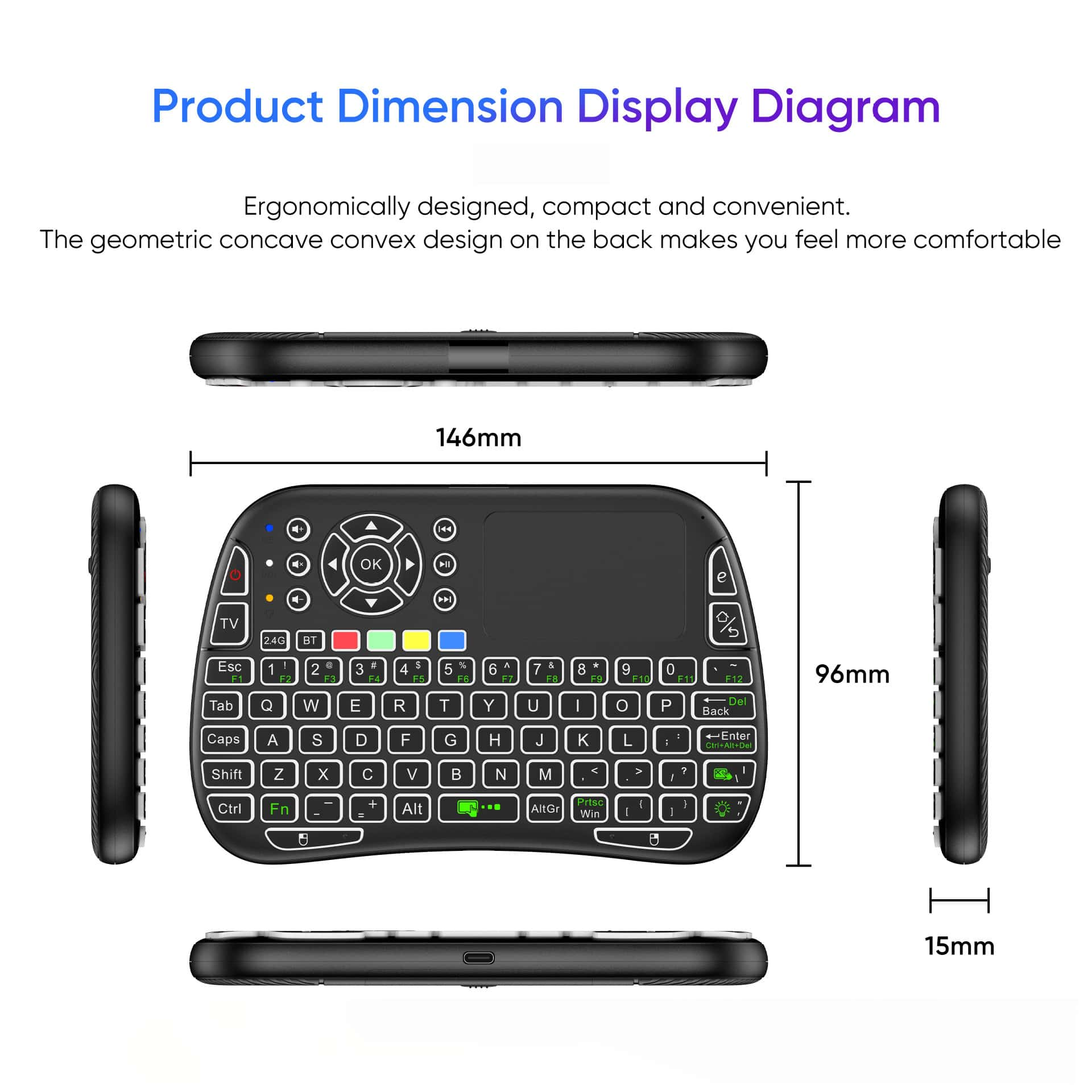
Product Dimensions
- Length: 146 mm / 5.75 in
- Width: 96 mm / 3.78 in
- Thickness: 15 mm / 0.59 in
Warranty & Support
- 1-Year Official Warranty
- 30-Day Money-Back Guarantee
- Professional Customer Support
FAQs
1. Why choose the Mini Wireless Keyboard?
It makes typing searches, passwords and web addresses easier than using a directional remote. Its compact keyboard and touchpad help you navigate compatible SuperBox devices comfortably from your sofa.
2. How do I connect it to my SuperBox?
Connect using the included 2.4GHz USB receiver or Bluetooth. For receiver mode, plug the receiver into your SuperBox’s USB port and select the keyboard’s corresponding connection mode. Follow the supplied instructions for Bluetooth pairing.
3. Does it have a touchpad and backlit keys?
Yes. The built-in touchpad controls the on-screen cursor, while backlit keys make typing easier in darker rooms. You can change the backlight color using the keyboard’s function shortcut.
4. Does voice control work with every app?
Voice search and voice input work with supported devices and applications. Availability depends on the connected device, operating system and app, so voice functions may differ from your original remote.
5. Is the SuperBox Mini Wireless Keyboard rechargeable?
Yes. It uses a removable BL-5B rechargeable battery. Follow the supplied charging instructions. Battery life varies with usage and backlight settings.