Buying a media player for a parent or older family member involves different considerations than choosing one for yourself.
Many families ask:
Is SuperBox easy for seniors to use?
Which SuperBox has the easiest remote?
Is the S7 Pro enough for an older parent?
Should I buy the S7 Max or S7 Ultra?
Does SuperBox require a Smart TV?
Will technical support be available after purchase?
The best choice depends on the user’s eyesight, comfort with technology, expected app usage, home network, television, and available setup assistance.
Quick Answer
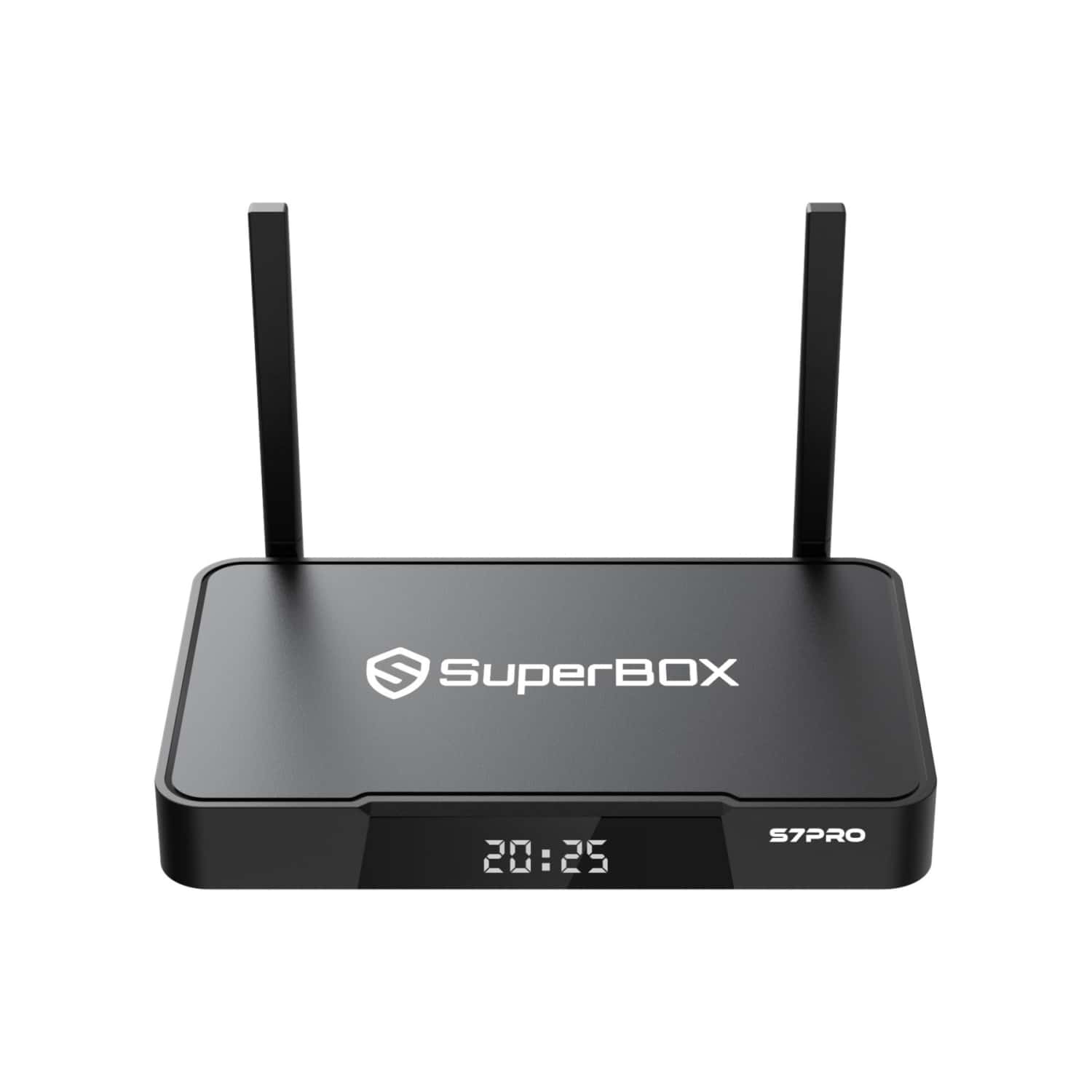
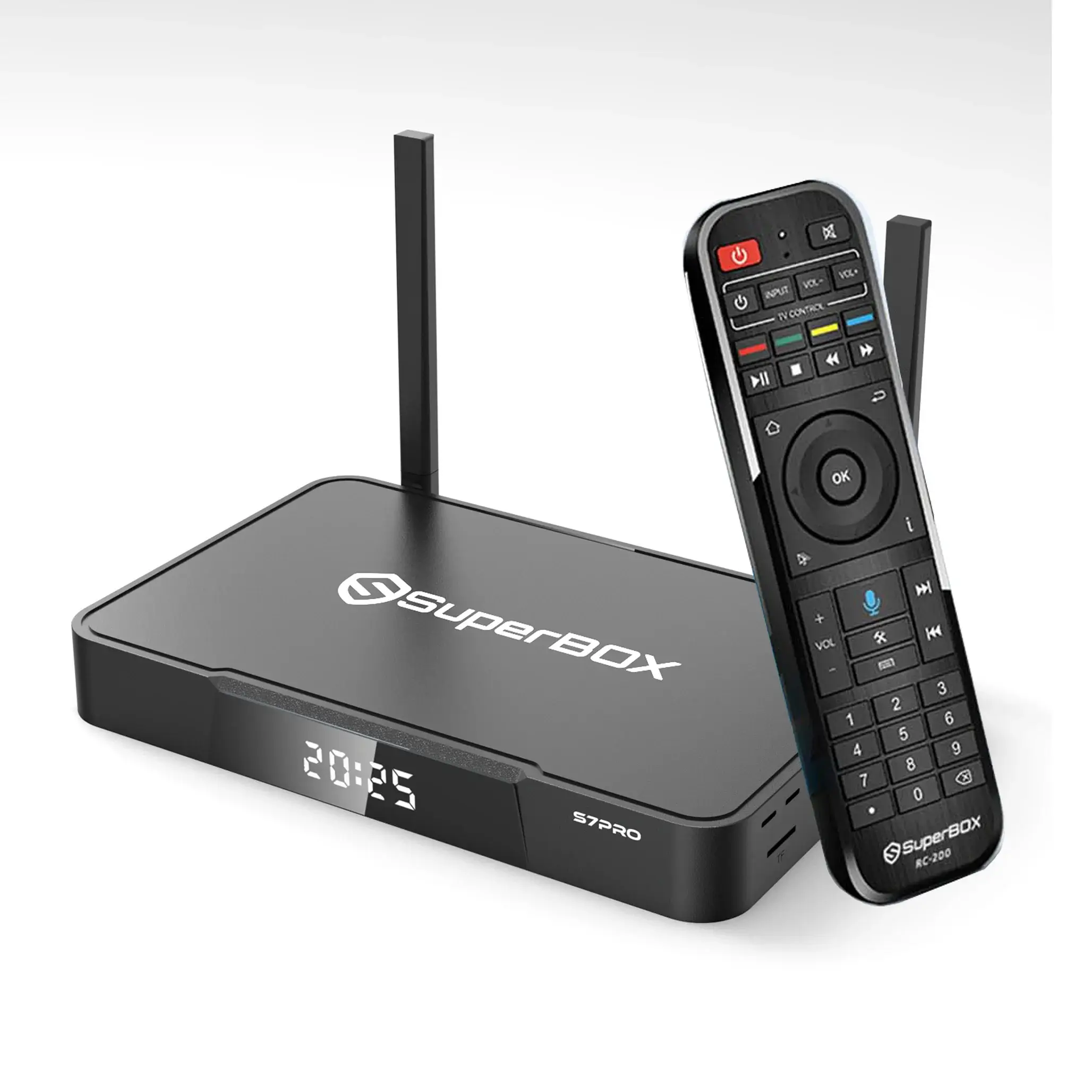
The SuperBox S7 Pro may be suitable for seniors who use fewer applications and want the lowest-priced model in the S7 lineup.
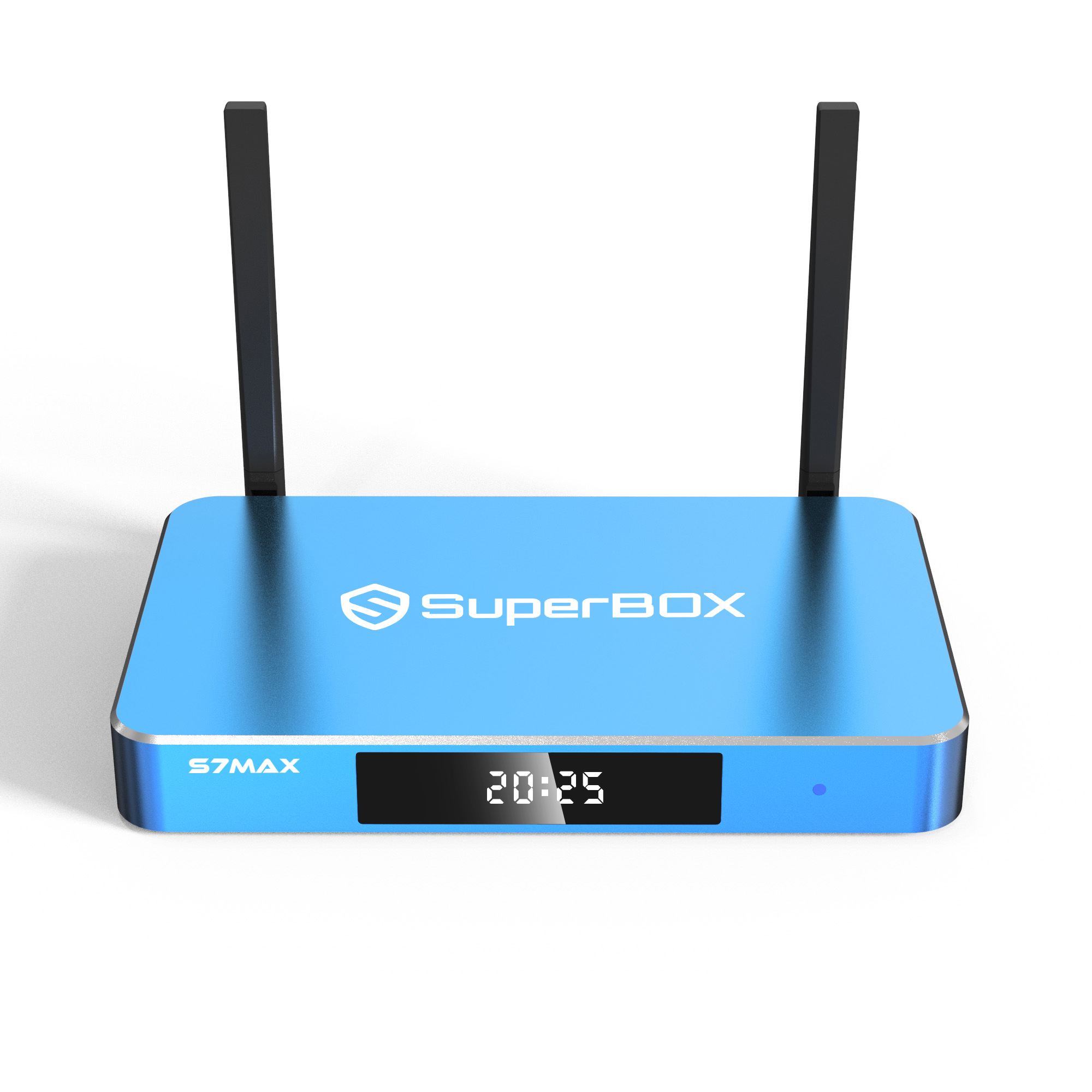
The SuperBox S7 Max is the most balanced choice for many households because its 64GB storage provides more flexibility while retaining the standard voice remote.
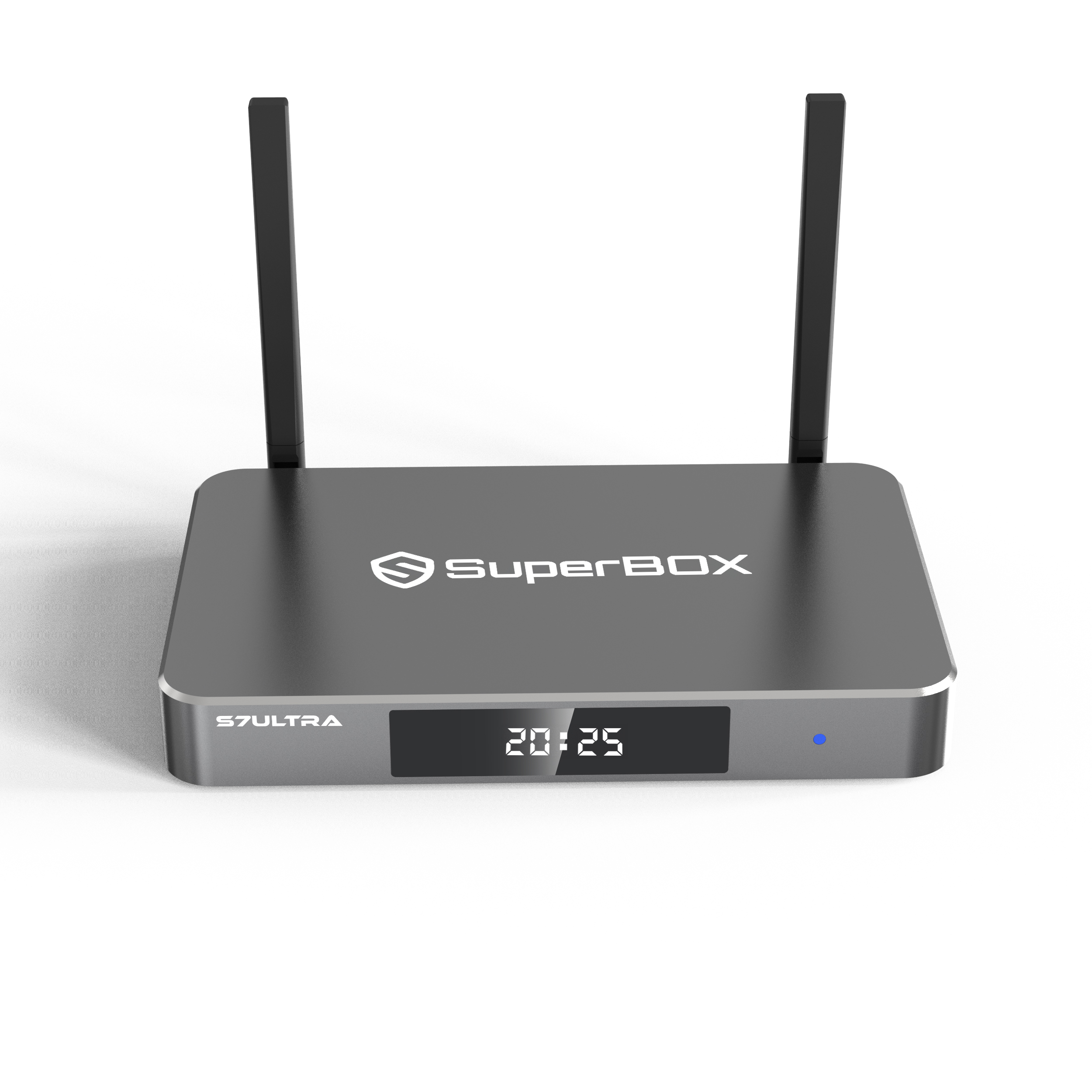
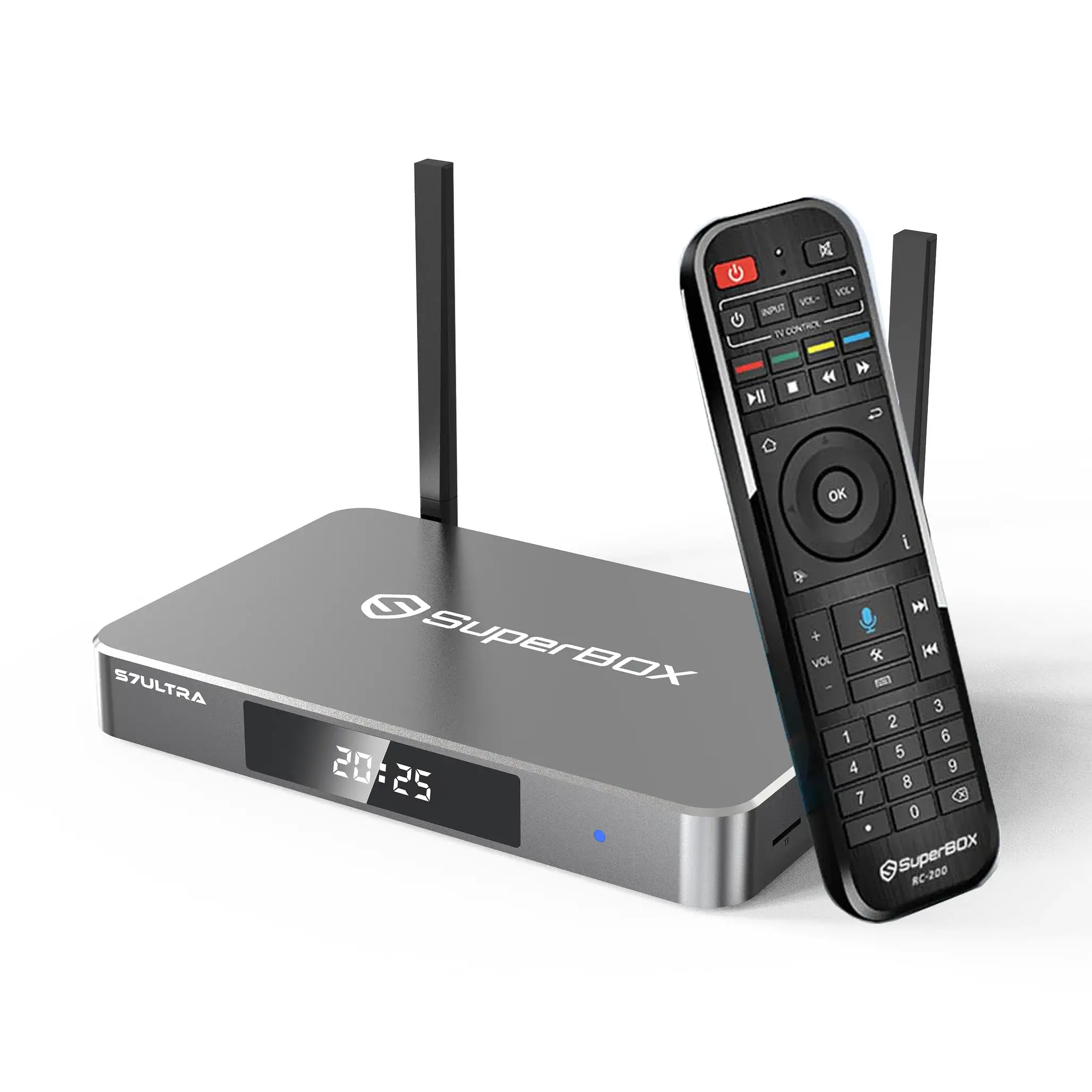
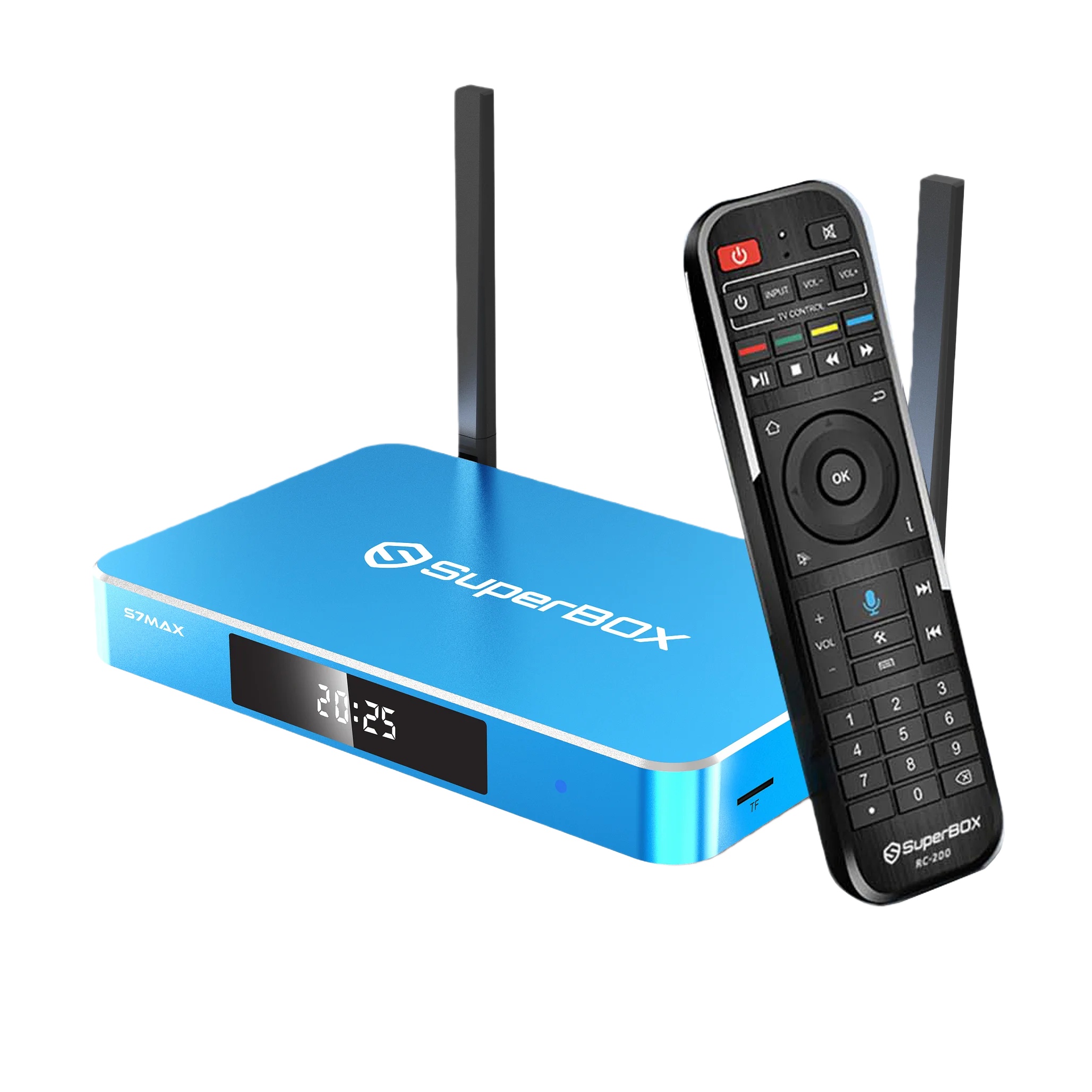
The SuperBox S7 Ultra may be easier to use in a dark room because it includes a backlit voice remote. Its 128GB storage also provides more room for compatible apps and personal files.
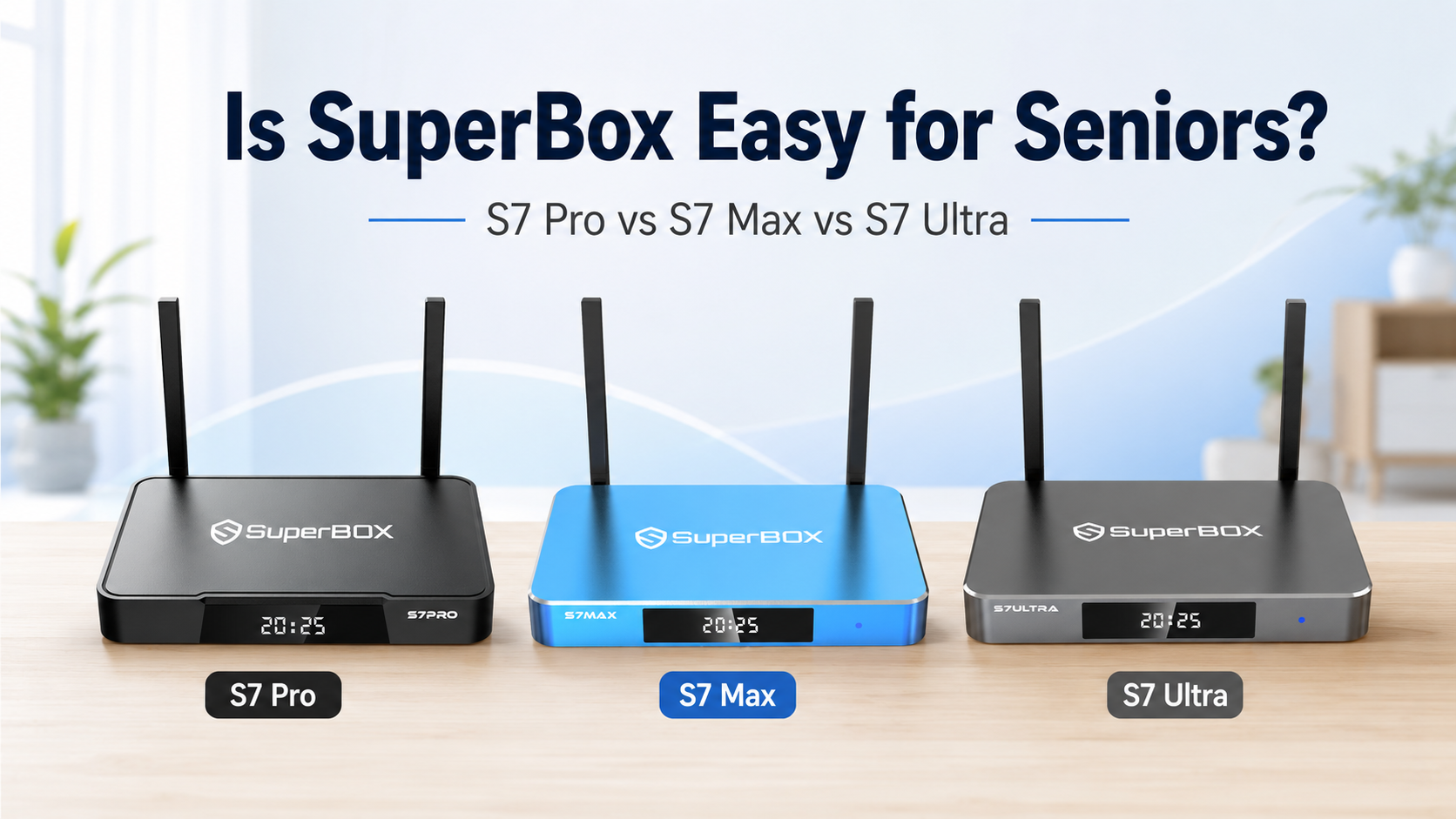
All three models list the same core platform, including Android 12, 4GB RAM, WiFi 6, Bluetooth 5.2, Gigabit Ethernet, and a quad-core ARM Cortex-A53 processor. The main differences are storage capacity, remote design, finish, and price.
| Model | Storage | Remote | Best For |
|---|---|---|---|
| SuperBox S7 Pro | 32GB | Smart Voice Remote | Light use and lower budget |
| SuperBox S7 Max | 64GB | Smart Voice Remote | Most families |
| SuperBox S7 Ultra | 128GB | Backlit Voice Remote | More storage and low-light use |
SuperBox is not a medical or dedicated accessibility device. A family member may need to help with the initial setup when the user is unfamiliar with HDMI inputs, WiFi passwords, app accounts, or Bluetooth pairing.
Is SuperBox Difficult to Set Up?
The physical installation is relatively straightforward when the television has a compatible HDMI input.
Basic setup normally includes:
-
Connect the SuperBox to the television with an HDMI cable.
-
Connect the power adapter.
-
Select the correct HDMI input on the television.
-
Connect the device through WiFi or Ethernet.
-
Adjust the screen size if necessary.
-
Pair the Bluetooth voice remote.
-
Arrange commonly used applications on the home screen.
A Smart TV is not required. The television needs a compatible HDMI or AV input, while online applications require an internet connection.
When Family Assistance May Help
An older user may need help with:
-
Selecting the correct HDMI input
-
Entering a WiFi password
-
Pairing the voice remote
-
Signing in to authorized third-party applications
-
Adjusting account and privacy settings
-
Organizing home-screen shortcuts
-
Understanding which services require separate payment
Completing these steps before regular use can make the daily experience simpler.
Which SuperBox Remote Is Easier for Seniors?
S7 Pro and S7 Max Smart Voice Remote
Both the SuperBox S7 Pro and S7 Max include a standard smart voice remote.
They may suit users who:
-
Normally watch television in a well-lit room
-
Can identify standard remote buttons comfortably
-
Want voice-control support
-
Do not require illuminated keys
-
Prefer a lower purchase price than the S7 Ultra
The S7 Pro and S7 Max use the same remote category, so the S7 Max is not automatically easier to operate than the S7 Pro. Its main advantage is additional storage.
S7 Ultra Backlit Voice Remote
The SuperBox S7 Ultra includes a backlit voice remote. The illuminated buttons may be easier to locate during evening or low-light use.
It may be helpful for someone who:
-
Watches television at night
-
Has difficulty identifying dark buttons
-
Frequently presses the wrong button in low light
-
Uses a dark home-theater room
-
Prefers illuminated controls
A backlight does not guarantee accessibility for every user. Eyesight, dexterity, hand strength, memory, and familiarity with remote controls should also be considered.
Is Voice Control Helpful for Older Adults?
Voice control can reduce the need to enter text through an on-screen keyboard. After the remote is paired, supported voice commands may help the user open settings, return to the home screen, or interact with compatible applications.
Voice functionality may depend on:
-
Bluetooth pairing
-
Internet access
-
Language and region
-
Microphone permissions
-
Account status
-
Software version
-
The application being used
Not every voice command works in every application.
For someone unfamiliar with voice technology, demonstrate only a few simple commands first. Standard button navigation remains available.
Users should also avoid speaking passwords, payment information, or other sensitive details into voice services.
Is the SuperBox Interface Easy to Navigate?
The S7 interface includes tools such as Favorites, History, filters, and resume-play functions where supported.
For an older user, the interface may be easier after a caregiver:
-
Removes unnecessary shortcuts
-
Places frequently used applications in visible positions
-
Creates Favorites where available
-
Avoids installing too many applications
-
Writes down the most important remote buttons
-
Keeps the television remote nearby
-
Uses the same HDMI input consistently
A simple, organized home screen is often more useful than a large collection of applications.
Which SuperBox Is Best for Seniors?
SuperBox S7 Pro: Best for Light Use and Lower Budget
The SuperBox S7 Pro includes:
-
32GB internal storage
-
4GB RAM
-
Smart voice remote
-
WiFi 6
-
Gigabit Ethernet
-
Android 12
It may be suitable for an older user who:
-
Uses only a small number of applications
-
Does not save many personal files
-
Has family assistance available when storage needs to be managed
-
Wants the lowest-priced S7 model
-
Does not need a backlit remote
The S7 Pro provides the same listed processor and RAM as the S7 Max and S7 Ultra. Its main limitation is the smaller 32GB storage capacity.
Choose the S7 Pro when:
-
Budget is the main priority
-
App usage will remain light
-
32GB storage is sufficient
-
A standard voice remote is acceptable
-
A family member can help with setup and maintenance
SuperBox S7 Max: Best Balance for Most Families
The SuperBox S7 Max includes:
-
64GB internal storage
-
4GB RAM
-
Smart voice remote
-
WiFi 6
-
Gigabit Ethernet
-
Android 12
Its 64GB storage provides twice the capacity of the S7 Pro, giving more room for compatible applications, updates, temporary app data, and personal files.
Choose the S7 Max when:
-
You want a balance of price and storage
-
The device will use more than a few applications
-
You want to reduce storage management
-
A backlit remote is not necessary
-
Several family members may share the device
For many older users, the S7 Max is the most practical starting point because it provides additional storage without moving to the highest-priced model.
SuperBox S7 Ultra: Best for More Storage and Low-Light Use
The SuperBox S7 Ultra includes:
-
128GB internal storage
-
4GB RAM
-
Backlit voice remote
-
WiFi 6
-
Gigabit Ethernet
-
Android 12
Its main advantages over the S7 Max are:
-
Double the internal storage
-
Illuminated remote buttons
Choose the S7 Ultra when:
-
The user watches television in low-light conditions
-
Illuminated buttons would be helpful
-
More applications or personal files are expected
-
You want to manage storage less frequently
-
The additional price fits the budget
The S7 Ultra does not list more RAM or a faster processor than the S7 Max. Its value comes primarily from its larger storage capacity and backlit remote.
S7 Pro vs S7 Max vs S7 Ultra for Seniors
| Buying Priority | Recommended Model | Reason |
|---|---|---|
| Lowest purchase price | S7 Pro | Core S7 platform with 32GB storage |
| Best balance for most users | S7 Max | 64GB storage at a mid-range price |
| Easier use in a dark room | S7 Ultra | Backlit voice remote |
| Light app usage | S7 Pro | Smaller storage may be sufficient |
| Shared family use | S7 Max or Ultra | More storage flexibility |
| Minimal storage management | S7 Ultra | Highest storage capacity |
| Same core processor at lower cost | S7 Pro | Same listed CPU and RAM |
Practical Recommendation
Choose the S7 Pro when the user has simple needs and price is the main consideration.
Choose the S7 Max when you want the most balanced option for everyday family use.
Choose the S7 Ultra when the backlit remote and 128GB storage will provide a meaningful daily benefit.
Does More Storage Make SuperBox Easier to Use?
More storage does not automatically make the device faster.
The three models list the same:
-
Processor
-
4GB RAM
-
WiFi 6 support
-
Gigabit Ethernet
-
Android version
However, more storage provides additional room for:
-
Compatible applications
-
App updates
-
Temporary application data
-
Personal media files
The storage options are:
-
S7 Pro: 32GB
-
S7 Max: 64GB
-
S7 Ultra: 128GB
A lightly used device may not require 128GB. However, additional storage can reduce how often a family member needs to remove unused applications or files.
Part of the advertised storage is used by Android and system files, so available user storage will be lower than the total listed capacity.
Is WiFi or Ethernet Better for a Senior Household?
All three S7 models support dual-band WiFi 6 and 1000Mbps Ethernet.
WiFi is more convenient when the router is not close to the television. Ethernet may provide a more consistent connection when a cable can be installed safely.
Ethernet can reduce troubleshooting related to:
-
Weak wireless coverage
-
Incorrect WiFi passwords
-
Wireless interference
-
Router distance
-
Switching between WiFi bands
Actual performance still depends on the internet plan, router, application, service provider, and home-network conditions.
Any Ethernet cable should be placed carefully so that it does not create a trip hazard.
Does SuperBox Require a Monthly Fee?
SuperBox.center sells the SuperBox device as a one-time hardware purchase. The store does not charge a recurring equipment fee simply for owning the device.
Third-party applications and services operate independently and may require:
-
Separate accounts
-
Paid subscriptions
-
One-time purchases
-
Regional eligibility
-
Acceptance of separate terms
The hardware purchase should not be interpreted as including every third-party service at no additional cost.
When setting up the device for a parent, document which authorized services are being used and who manages each account.
Can SuperBox Work With an Older Television?
A Smart TV is not required.
Before purchasing, check:
-
Whether the television has an HDMI or compatible AV input
-
Whether an HDMI port is available
-
The television’s maximum supported resolution
-
Whether the original television remote works
-
Whether a power outlet is nearby
-
Whether the user can switch to the correct input
An older television will display only the resolution supported by its screen, even when the SuperBox supports higher-resolution video decoding.
What Support Is Available After Purchase?
Before choosing a device for an older family member, verify that support is available for:
-
Product selection
-
Initial setup
-
WiFi and Ethernet connection
-
Remote pairing
-
Software updates
-
Basic troubleshooting
-
Returns
-
Warranty questions
SuperBox.center provides a one-year limited warranty and a 30-day return policy for qualifying purchases, subject to the published terms.
Technical support and warranty coverage are different. Technical assistance may remain available after the limited-warranty period, while warranty claims remain subject to the original coverage period and eligibility requirements.
Keep:
-
The order number
-
Checkout email
-
Product model
-
Serial number or MAC address
-
Photos of the device and packaging
-
Previous support messages
Caregiver Setup Checklist
Before leaving the device with a parent or older relative:
-
Connect and test the television input
-
Confirm WiFi or Ethernet connectivity
-
Pair the voice remote
-
Program compatible TV power and volume buttons
-
Place commonly used apps on the home screen
-
Remove unnecessary shortcuts
-
Demonstrate the Home, Return, Volume, and Voice buttons
-
Write down the correct HDMI input
-
Save the support email and order number
-
Explain which services require separate accounts
-
Remind the user not to share passwords or payment information
A short printed instruction card may be more useful than a long technical manual.
Frequently Asked Questions
Is the SuperBox S7 Pro suitable for seniors?
Yes, it may be suitable for seniors who use fewer applications, do not require a backlit remote, and want the lowest-priced S7 model. Its 32GB storage is smaller than the S7 Max and S7 Ultra.
Which SuperBox is best for elderly parents?
The S7 Max is the most balanced option for many households. The S7 Pro may be sufficient for light use, while the S7 Ultra may be preferable when the backlit remote or 128GB storage offers a meaningful benefit.
Is the S7 Pro slower than the S7 Max?
The published specifications list the same processor and 4GB RAM for both models. Their main difference is storage capacity: 32GB for the S7 Pro and 64GB for the S7 Max.
Does the S7 Ultra have a faster processor?
No different processor or additional RAM is listed for the S7 Ultra. Its main upgrades are 128GB storage and a backlit voice remote.
Which model has a backlit remote?
The SuperBox S7 Ultra includes a backlit voice remote. The S7 Pro and S7 Max include standard smart voice remotes.
Does SuperBox require a Smart TV?
No. A compatible HDMI or AV input is required. Internet access is also required for online applications.
Does SuperBox include third-party subscriptions?
No third-party premium subscription should be assumed to be included. Separate authorized accounts or payments may be required.
Will support continue after a model is discontinued?
SuperBox.center continues providing technical assistance for previous-generation devices purchased through the store. Warranty coverage remains subject to the original period and conditions.
Final Recommendation
The best SuperBox for a senior depends on daily needs rather than simply choosing the highest-priced model.
Choose the SuperBox S7 Pro when the user needs basic functionality, installs fewer applications, and wants the lowest-cost S7 option.
Choose the SuperBox S7 Max when you want the best balance of storage, price, and flexibility for most households.
Choose the SuperBox S7 Ultra when the user will benefit from illuminated remote buttons and the largest internal storage capacity.
Regardless of the model, thoughtful setup matters most. A simple home screen, reliable network connection, paired remote, clear written instructions, and accessible customer support can make the device easier for an older family member to use.